How to launch a Framer site in a weekend
Building a Framer site over a weekend isn't about working fast, it's about making the right decisions before Saturday so you're not making them inside Framer when it costs the most time.
16
minutes read
A weekend is more than enough, if you have a plan
Most people don't spend too long building their Framer site because they're slow. They spend too long because they don't have a plan before they open Framer. They start tweaking colors before they've decided what pages they need. They spend Saturday perfecting a hero section they'll redo on Sunday. They go to bed with nothing published.
This guide fixes that. It's built around a simple principle: decisions made before you open Framer are faster than decisions made inside Framer. Get the strategy right on Friday evening, execute on Saturday, polish and launch on Sunday. That's the framework.
Before You Start: What You Actually Need to Decide
Before touching Framer, answer these five questions. Seriously, write the answers down somewhere. They'll save you hours.
What is this site for? Portfolio, agency site, product landing page, personal brand, SaaS, the purpose shapes every decision that follows. Don't be vague. "A portfolio to get freelance clients" is a purpose. "A website" is not.
Who is it for? Not you, your visitor. Who lands on this site, what do they already know about you, and what do you need them to do by the time they leave? Define the visitor and the action.
What pages do you actually need? Most people over-engineer this. A freelance portfolio needs: Home, Projects, About, Contact. An agency needs those plus Services. A product landing page might need just one page. Start with the minimum and add pages later. Launching a 4-page site beats not launching a 10-page one.
What content do you already have? List your projects, write your bio, gather your testimonials, collect your logos. Do this before Saturday. Running out of content mid-build is the number one reason weekend launches fail.
What's your domain situation? Do you already own a domain? If not, buy one now. Framer connects to custom domains directly, but DNS propagation takes up to 24 hours, if you leave this until Sunday afternoon, you won't go live Sunday.
Friday Evening: Set Up for Success (1–2 hours)
This is the planning session. Don't open Framer yet.
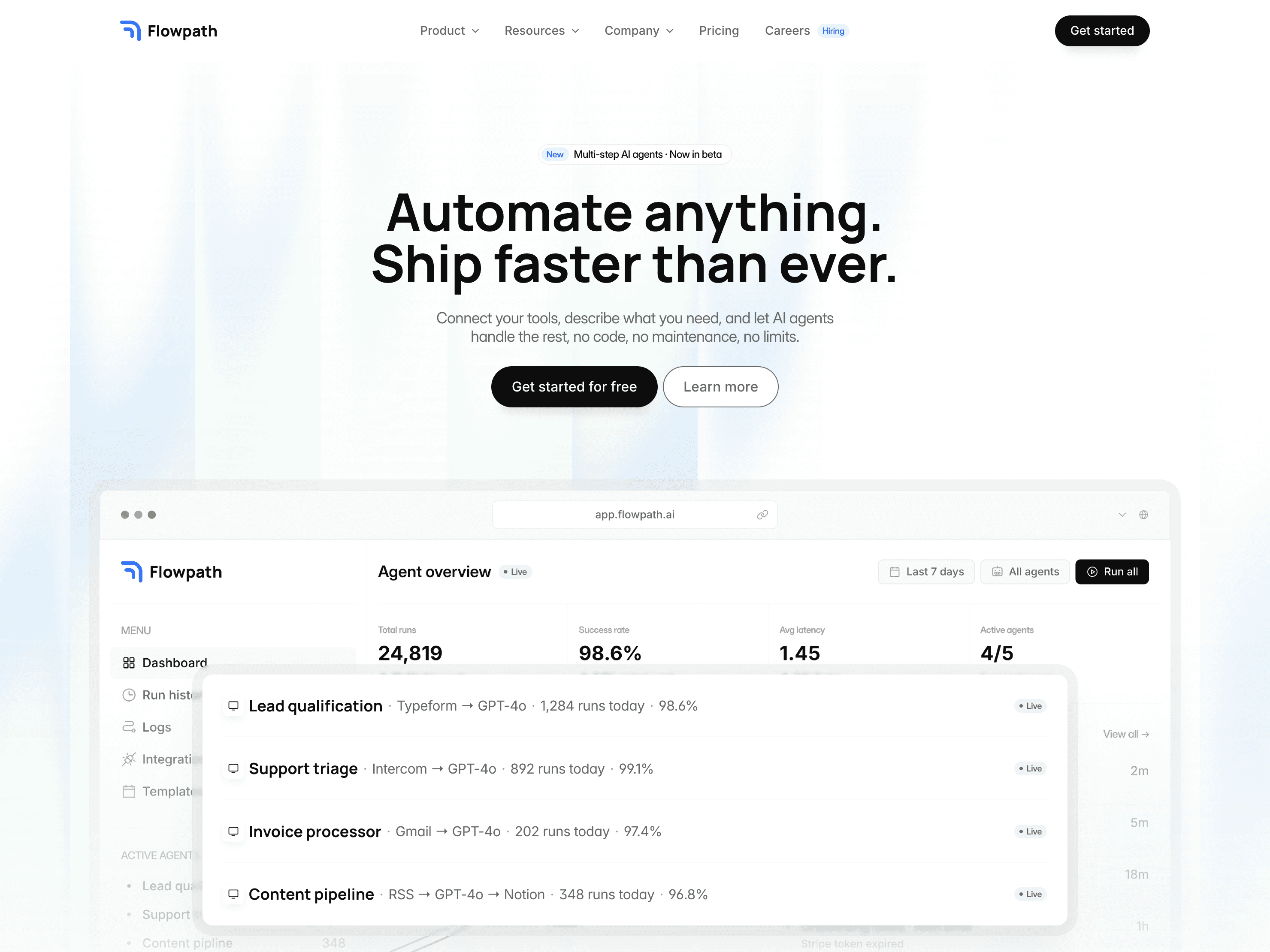
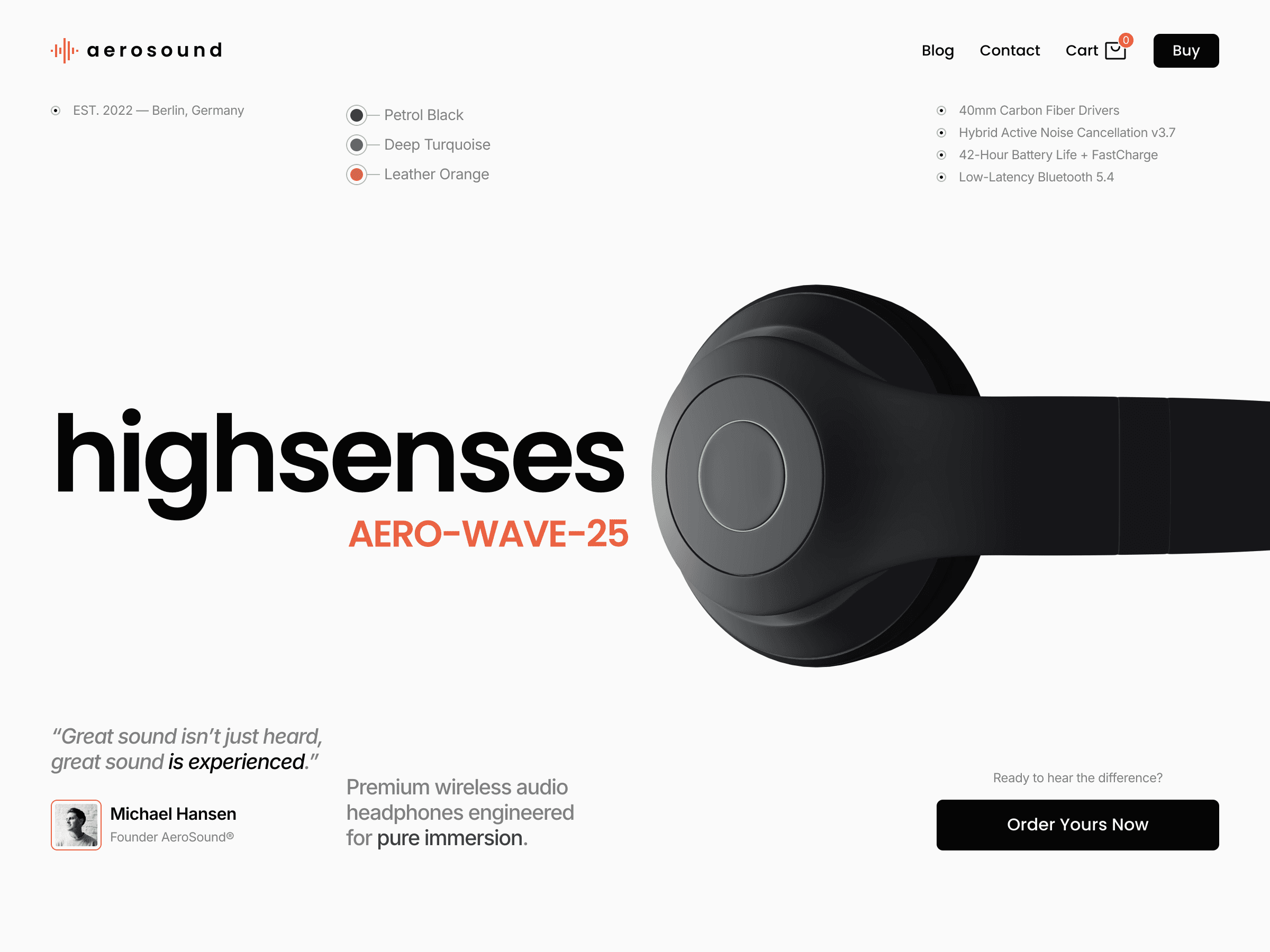
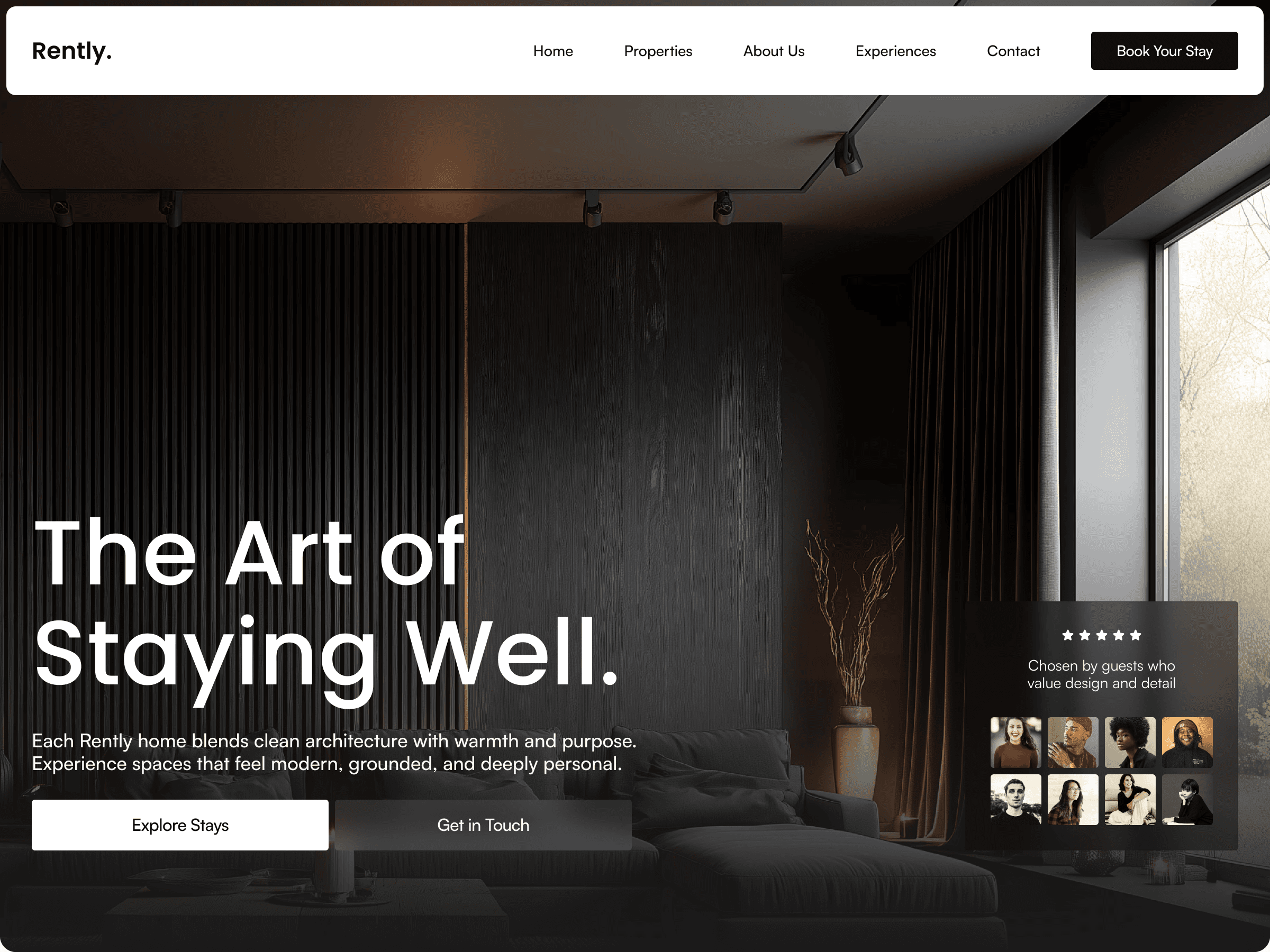
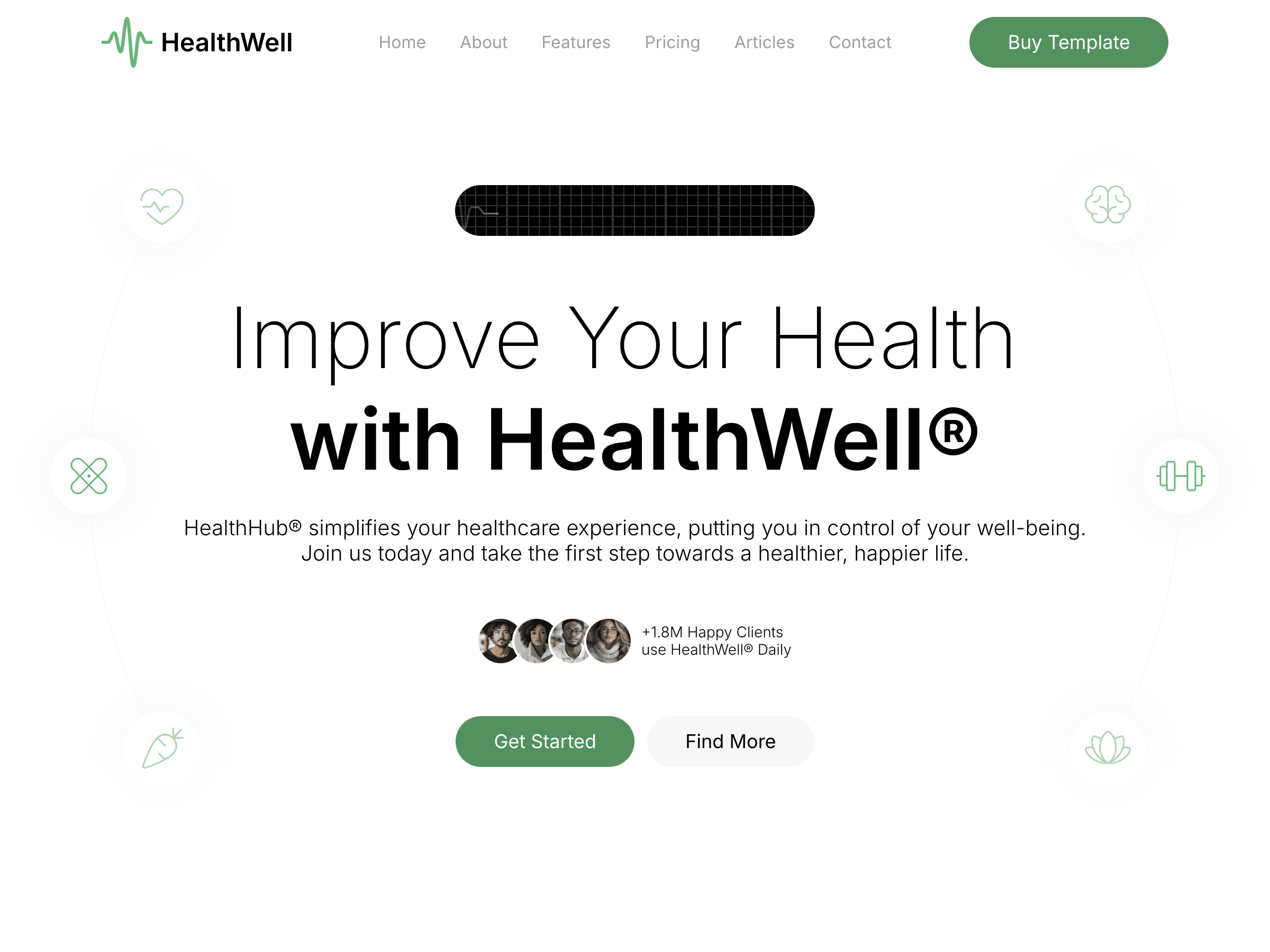
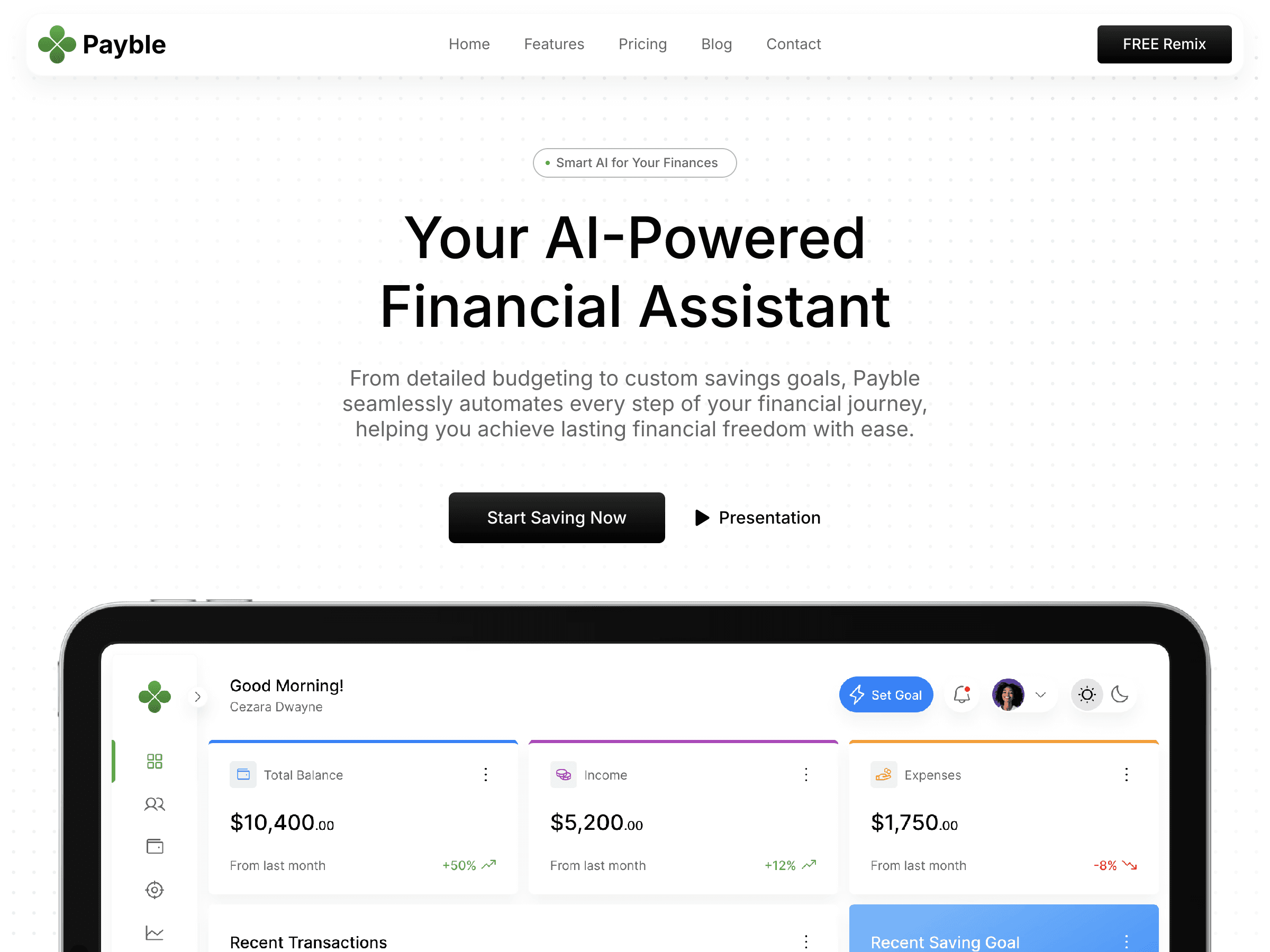
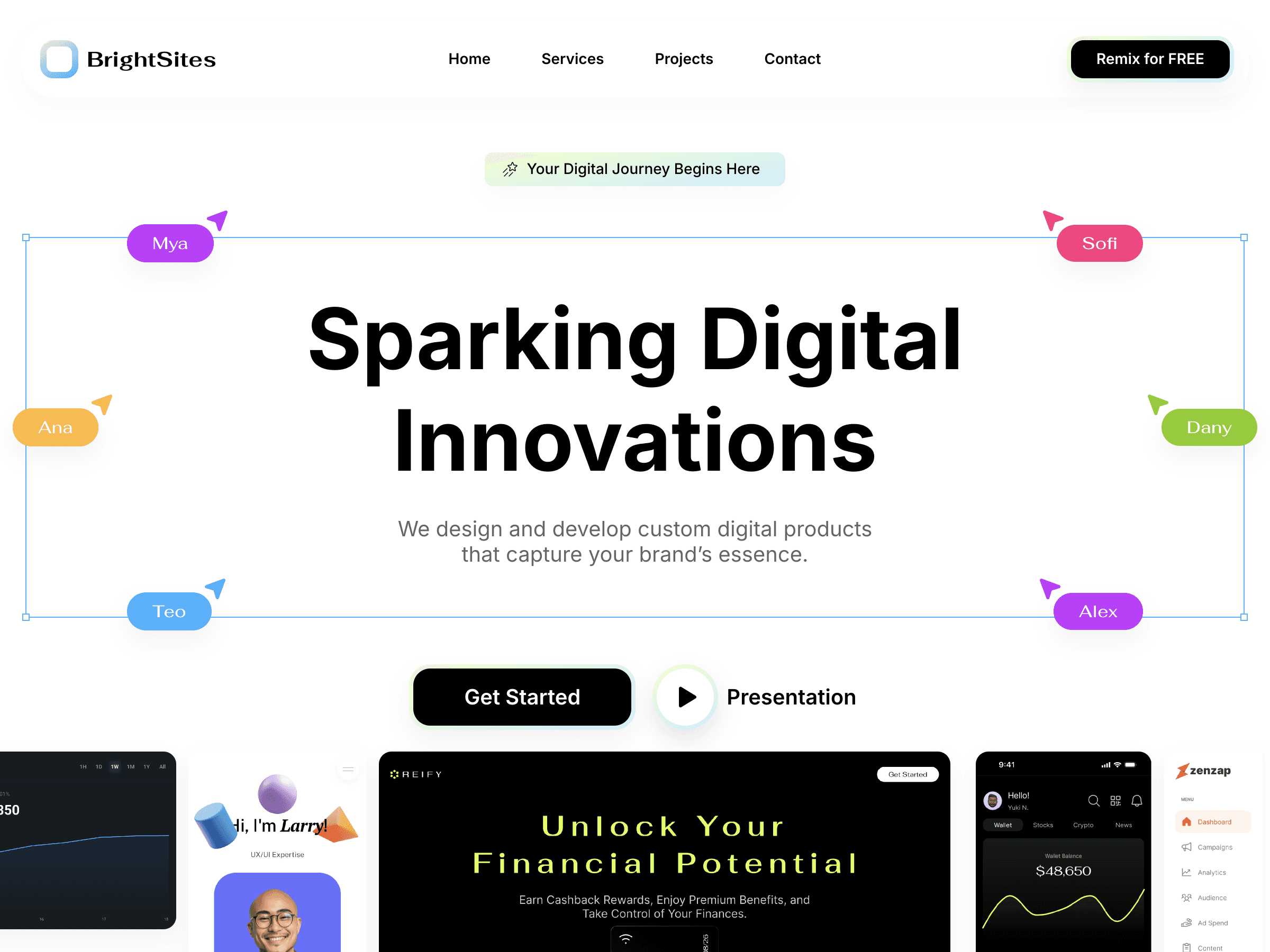
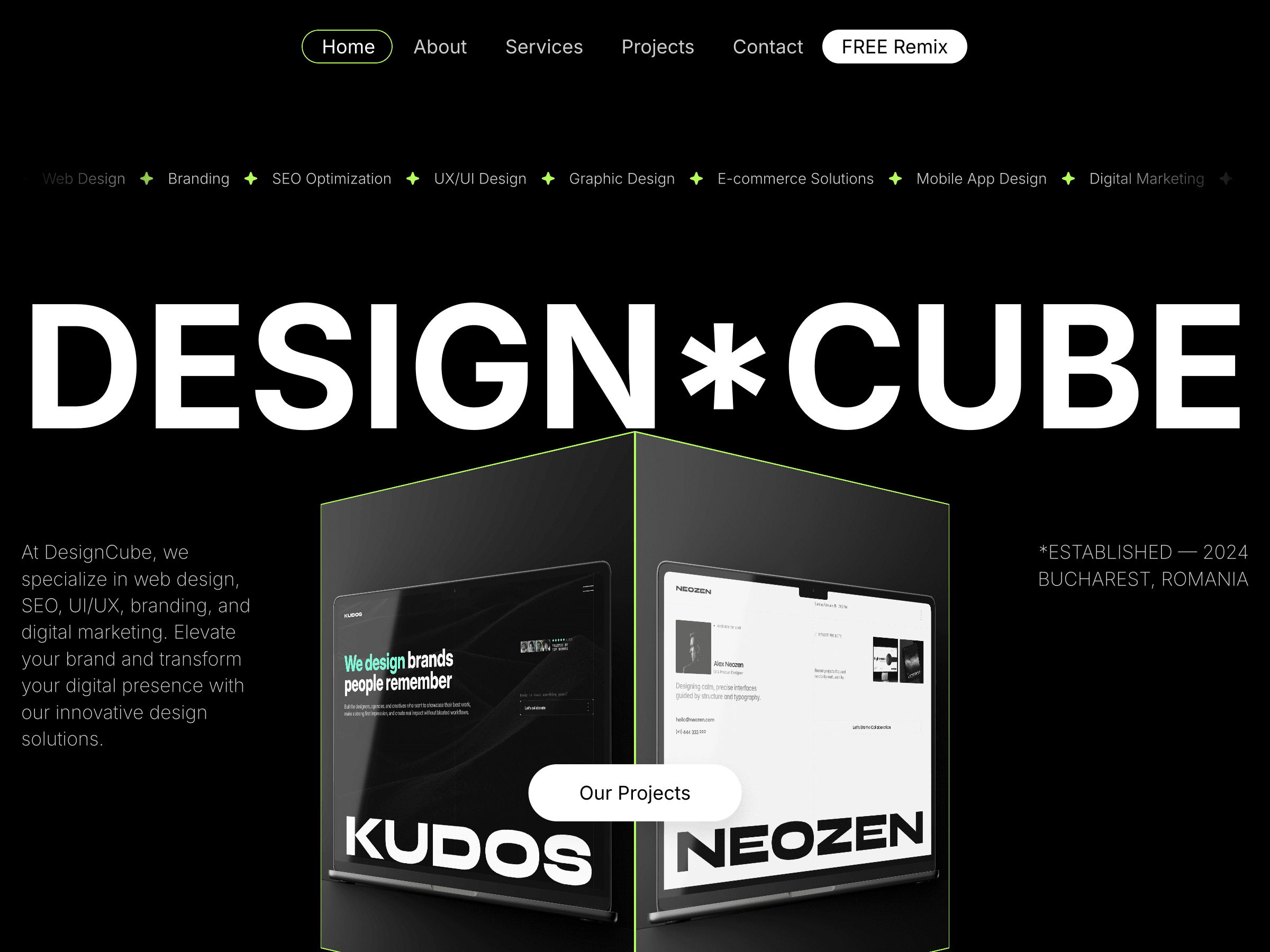
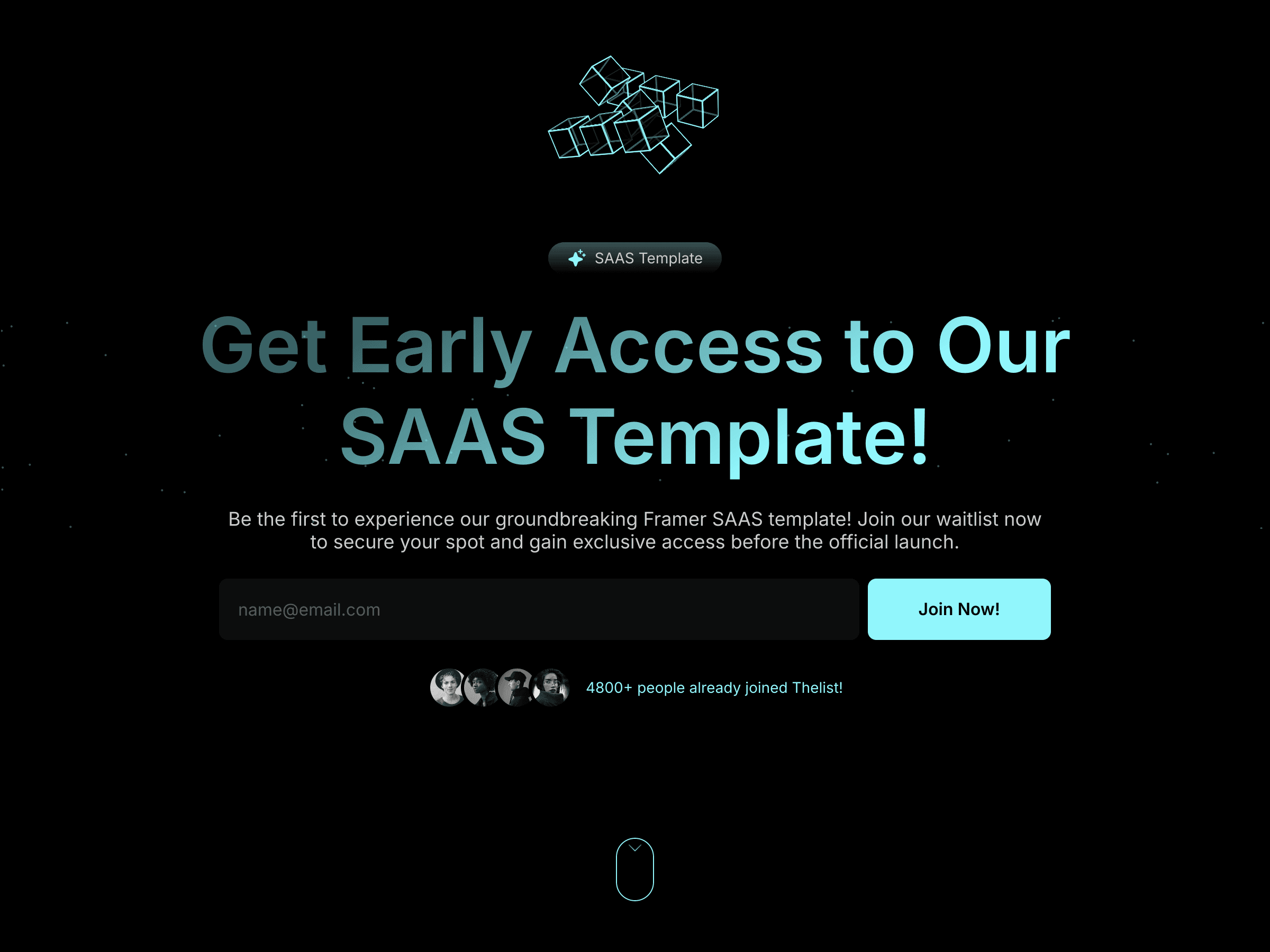
Choose your template. Starting from scratch over a weekend is a trap. A good template gives you a production-ready structure, responsive layouts, reusable components, and CMS architecture you'd spend days building yourself. Browse the Framer marketplace or a curated collection like UIhub, pick something whose aesthetic fits your brand without requiring a full redesign to make it yours.
The right template has 80% of what you need already. Your job is to customize the remaining 20%.
Write your core copy. The hero headline, the about section, the services list, the contact CTA. Write it in a Google Doc or Notes app, not in Framer. Writing in Framer is slow because you're designing at the same time. Separate the two tasks.
Gather your assets. Project screenshots, profile photo, client logos, any images you'll use. Put them in a folder. Resize them to web dimensions if needed, Framer handles a lot, but uploading a 12MB RAW photo into a CMS field will slow everything down.
Set your color and font direction. Pick your primary color, your background, and your font pairing. Two fonts maximum. You don't need to finalize these, you just need a direction so you're not making it up as you go on Saturday.
Saturday: Build Day (6–8 hours)
This is the execution day. The goal by end of Saturday: a complete, content-filled site with all pages working, even if it's not perfect yet.
Morning: Template Setup and Structure (2–3 hours)
Duplicate your template. Open the Framer marketplace, find your template, and duplicate it into your workspace. Rename the project to something meaningful.
Do a full page audit. Before changing anything, go through every page and section. Delete pages you don't need. Note which sections you'll keep, which you'll modify, and which you'll remove. This takes 20 minutes and prevents you from polishing sections that were going to be deleted anyway.
Set up your CMS collections. If your template uses CMS (most good ones do), set up the collection fields before adding content. For a portfolio: a Projects collection with Title, Slug, Meta Description, Thumbnail, Cover Image, Description, Tags, and Date is usually sufficient. Add your first 2–3 projects as test entries to make sure the layout renders correctly before filling everything in.
Swap your fonts and colors. Go to Site Settings → Styles. Update your primary font and color tokens. Because good templates use a consistent token system, changing these cascades across the whole site automatically. This is one of the highest-leverage things you can do in the shortest time.
Midday: Content Population (2–3 hours)
This is the unglamorous work that most people underestimate. It takes longer than building.
Replace all placeholder text. Work page by page, section by section. Use the copy you wrote Friday evening, paste it in, don't rewrite it on the fly. Save rewriting for Sunday.
Add your images. Replace every placeholder image with your own. Pay attention to aspect ratios, if the template expects a 16:9 image and you upload a square one, the layout will break. Crop images before uploading, not after.
Populate your CMS. Add all your projects, case studies, or blog posts. For each CMS item, fill in every field the template uses, missing fields often cause layout issues or empty sections that are frustrating to debug later.
Set up your navigation. Make sure every nav link points to the right page. Check that the mobile hamburger menu works. Test every CTA button.
Afternoon: Customisation and Refinement (2 hours)
Now that the content is in, make it yours.
Adjust layouts to fit your content. Not all copy is the same length as the placeholder. Some sections will need a line height nudge, a padding adjustment, or a grid tweak. Don't over-engineer this, make it feel right, not perfect.
Review on mobile. Switch to mobile preview in Framer and scroll through every page. Fix any obvious breaks. Don't spend more than 30 minutes here, you'll do a proper mobile review on Sunday.
Remove anything you don't need. Unused sections, placeholder blog posts, demo project entries. A clean site with less content is better than a cluttered site with filler.
Sunday: Polish and Launch Day (4–6 hours)
The goal today: make it ready to publish. That means SEO, technical checks, and going live.
Morning: SEO and Settings (1–2 hours)
Set your site title and favicon. Go to Site Settings → General. Set your site name, add a favicon (a square version of your logo or initials works fine), and add your social preview image (1200×630px, this is what appears when you share the link on Twitter/LinkedIn).
Write meta descriptions for every page. Each page needs its own unique meta description under 160 characters. Don't skip this, it's the difference between showing up in search with a useful snippet and showing up with nothing.
Fill in page titles. Every page should have a meaningful title tag, not just "Home" but "{{Your Name}}, UI Designer & Framer Specialist" or similar.
Set up Google Analytics or Framer's built-in analytics. Framer has built-in analytics, enable it in Site Settings. If you want Google Analytics, add the tracking ID in the same panel. Takes 5 minutes and you'll want it from day one.
Check your structured data. Many quality templates include a placeholder structured data script in Site Settings → Code. Replace it with your own details before launching, this helps Google understand what your site is about.
Midday: Pre-Launch Quality Check (1–2 hours)
Go through this checklist before you connect your domain:
Content:
✓ All placeholder text replaced
✓ All placeholder images replaced
✓ All CMS items complete and correctly linked
✓ No Lorem Ipsum anywhere
✓ Contact form tested (submit a test entry)
✓ All links working, internal and external
✓ Email addresses and social links correct
Design:
✓ Site looks good on desktop (1200px+)
✓ Site looks good on tablet (810px+)
✓ Site looks good on mobile (390px)
✓ No broken layouts or overflowing text
✓ Images load correctly and aren't blurry
Technical:
✓ Page titles set for every page
✓ Meta descriptions written for every page
✓ Favicon added
✓ Social preview image set
✓ Analytics enabled
✓ 404 page exists and matches your site design
✓ Legal pages present (Privacy Policy at minimum if you have a contact form)
Afternoon: Connect Your Domain and Publish (30 minutes)
Connect your custom domain. Go to Site Settings → Domains. Add your domain and follow Framer's DNS instructions. If you bought your domain from Namecheap, GoDaddy, Cloudflare, or similar, Framer's help docs have step-by-step guides for each registrar: Custom domain connect
If DNS hasn't propagated yet, publish to your Framer subdomain (yourname.framer.website) first so your site is live, then the custom domain will resolve when DNS catches up.
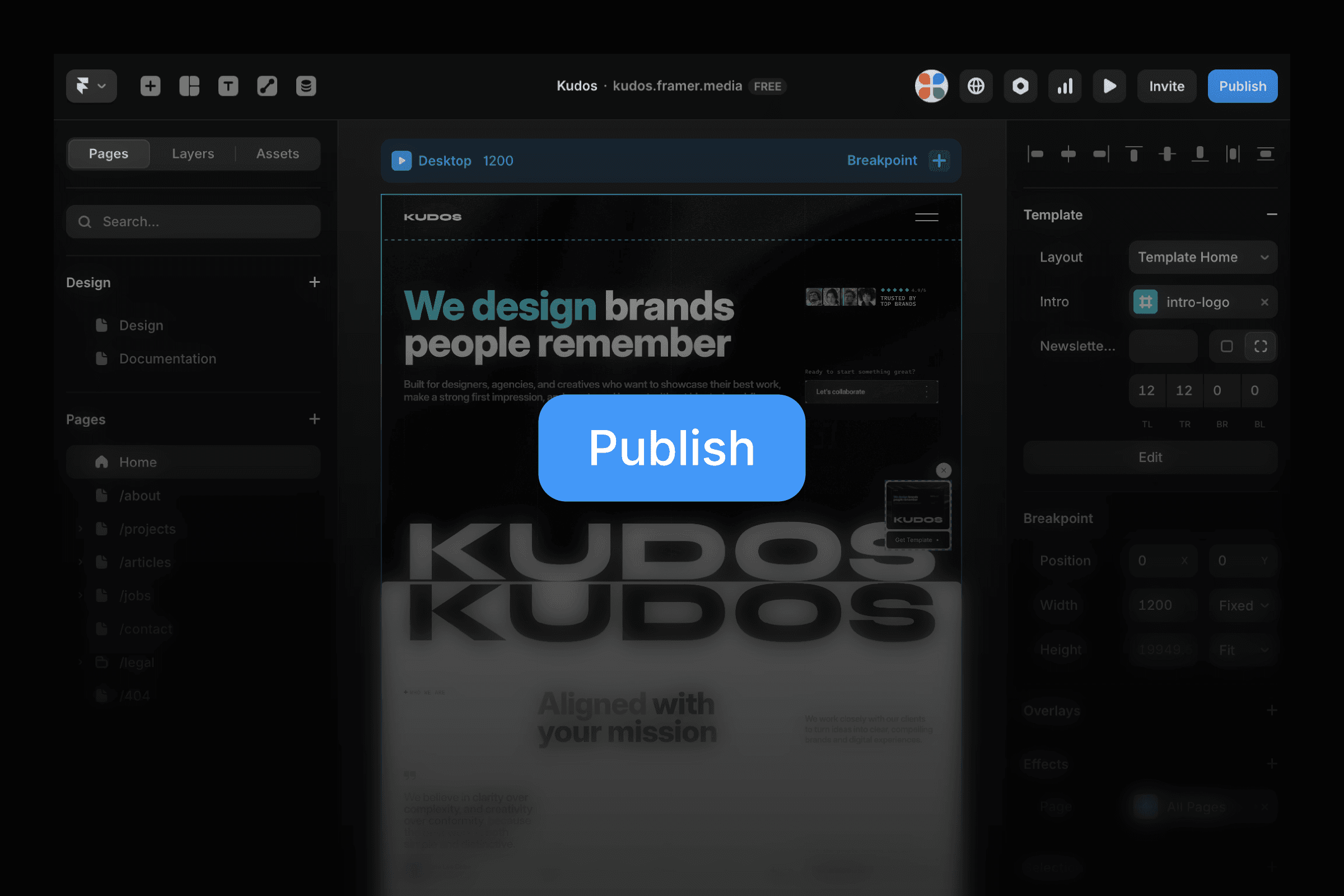
Publish. Hit the Publish button. Confirm everything looks right on the live URL, not just in the Framer preview. Live rendering occasionally differs from preview, especially with custom fonts and animations.
Share it. Post it on Twitter/X, LinkedIn, the Framer community. Tag the template creator if you used one, they almost always reshare, which gets you early traffic.
Common Mistakes That Kill Weekend Launches
Starting without content ready. You can't build a portfolio without projects. You can't write a hero headline in a vacuum. Content first, always.
Trying to redesign the template. A template is a starting point, not a constraint. The fastest path to live is customising what's there, not rebuilding it. Save the custom design for version two.
Perfectionism on Saturday. Saturday is build day, not polish day. If a section is 80% right, move on. You'll fix it on Sunday when the whole site is visible.
Ignoring mobile until Sunday. Check mobile at the end of Saturday, not just Sunday. Some mobile fixes take longer than expected and you don't want to be debugging responsive layouts on launch afternoon.
Forgetting DNS. Buy your domain before the weekend starts. Set DNS as early as possible. This is the one thing you genuinely can't rush.
Too many pages. Every page you add is a page that needs content, a page that needs SEO, a page that needs mobile testing. Launch with fewer pages. Add more later.
What a Weekend Launch Actually Looks Like
By Sunday evening you should have:
✓ A live site on your custom domain
✓ All pages complete with real content
✓ Mobile-responsive layouts
✓ Meta descriptions and page titles set
✓ Analytics running
✓ A contact form that works
That's a production-ready site. Not a placeholder. Not a "coming soon" page. An actual site you can send to clients, add to your portfolio, and share publicly.
The version two, better animations, additional pages, refined copy, comes after you've shipped. The best Framer sites are iterated on, not perfected before launch. Get it live, get feedback, get better.
The One-Page Summary
When | What | Time |
|---|---|---|
Friday evening | Plan pages, write copy, gather assets, buy domain | 1–2 hrs |
Saturday morning | Template setup, CMS structure, fonts and colors | 2–3 hrs |
Saturday midday | Content population, images, CMS entries | 2–3 hrs |
Saturday afternoon | Customisation, mobile check, cleanup | 2 hrs |
Sunday morning | SEO, meta, analytics, structured data | 1–2 hrs |
Sunday midday | Pre-launch checklist | 1–2 hrs |
Sunday afternoon | Connect domain, publish, share | 30 mins |
Already have a Framer site in progress? The same framework applies, pick up wherever you are in the timeline and keep moving. The goal is always the same: published beats perfect.

Cristian Mielu
Founder UIHub.design
Share this page on:
Complete Templates collection
$1,166
$290
Best value
All Cristian Mielu's
11
premium templates.
Every new one included, forever.
Payments powered by
Other useful articles


Better Framer skills are a few reads away →