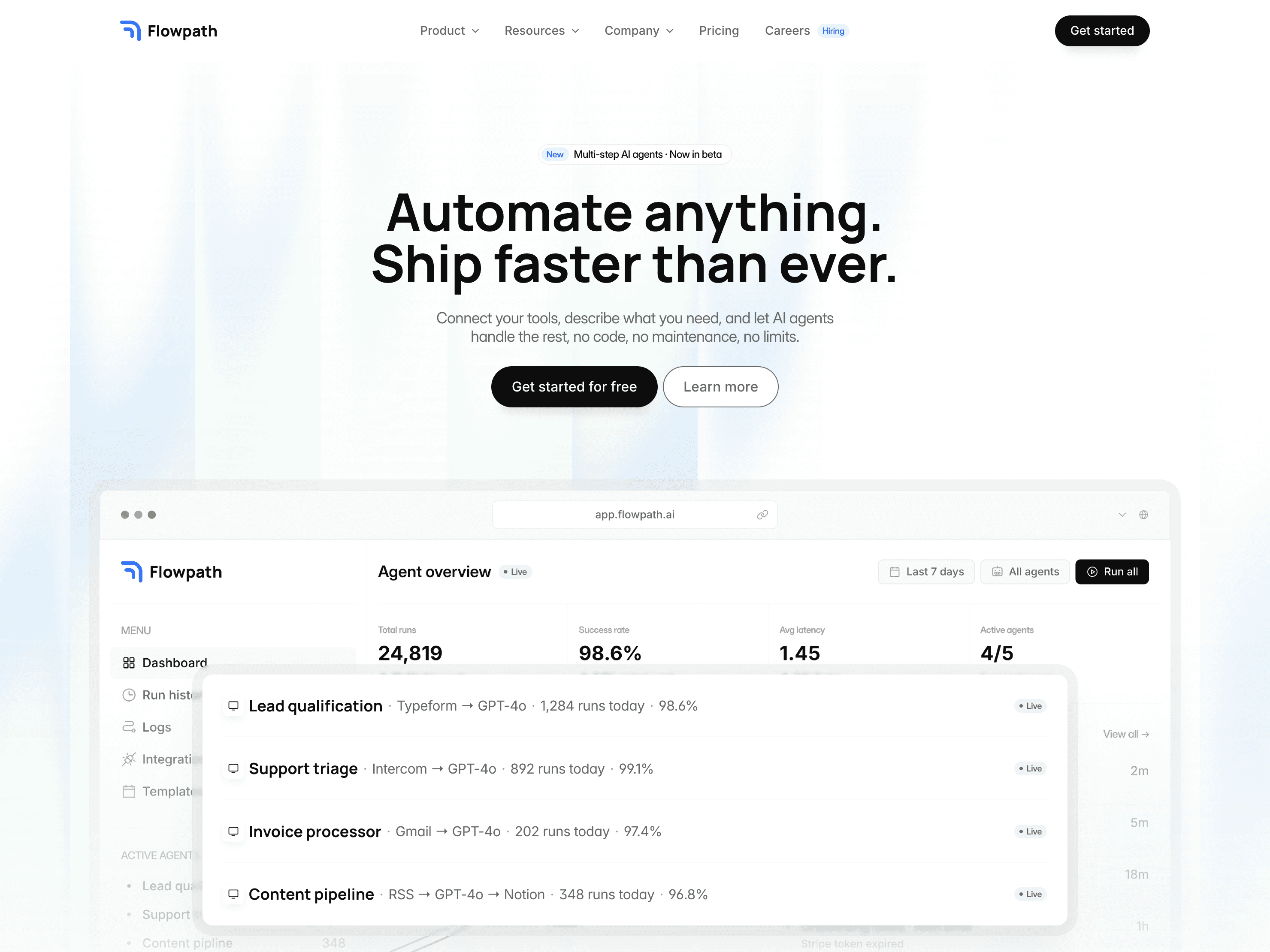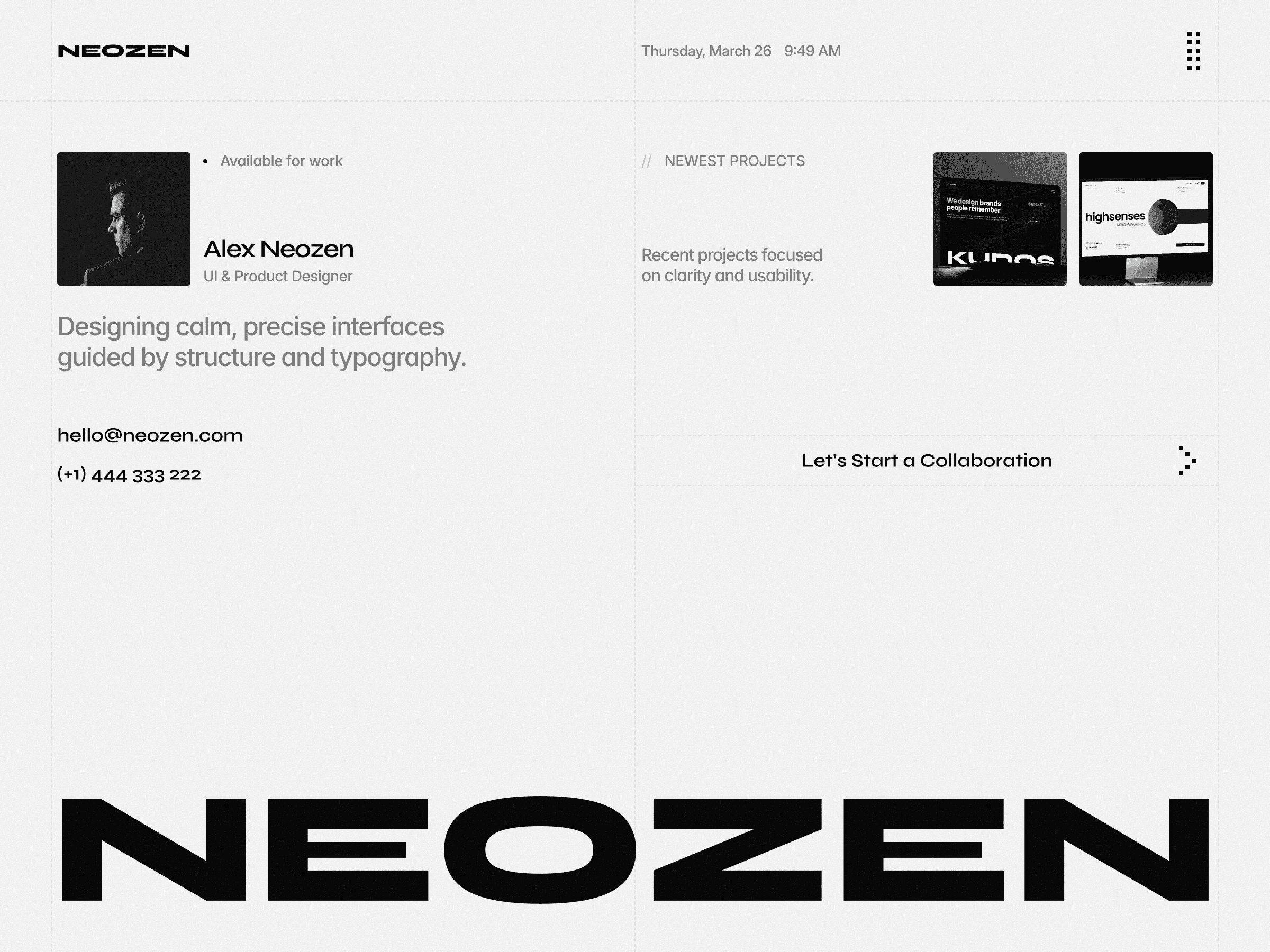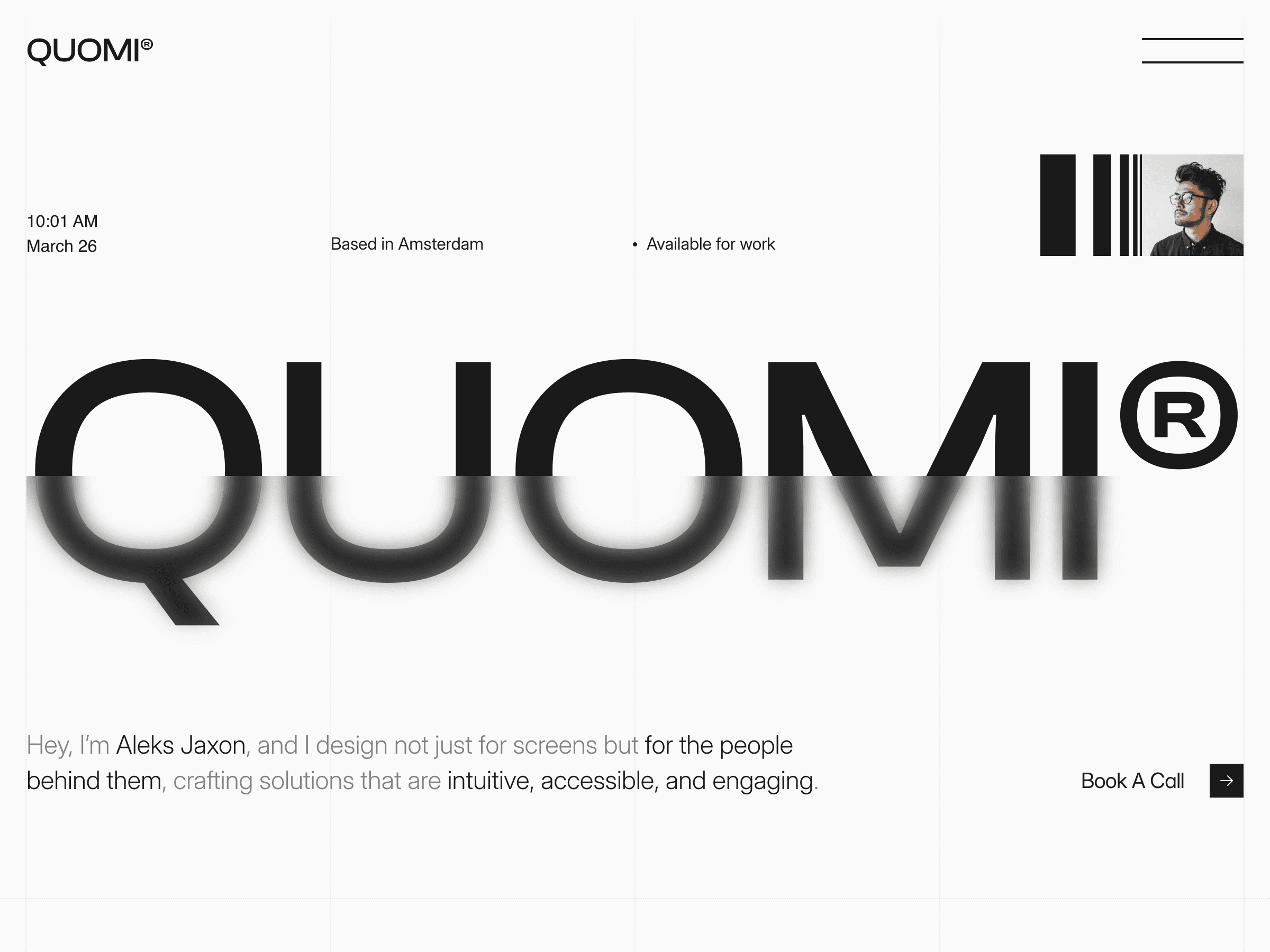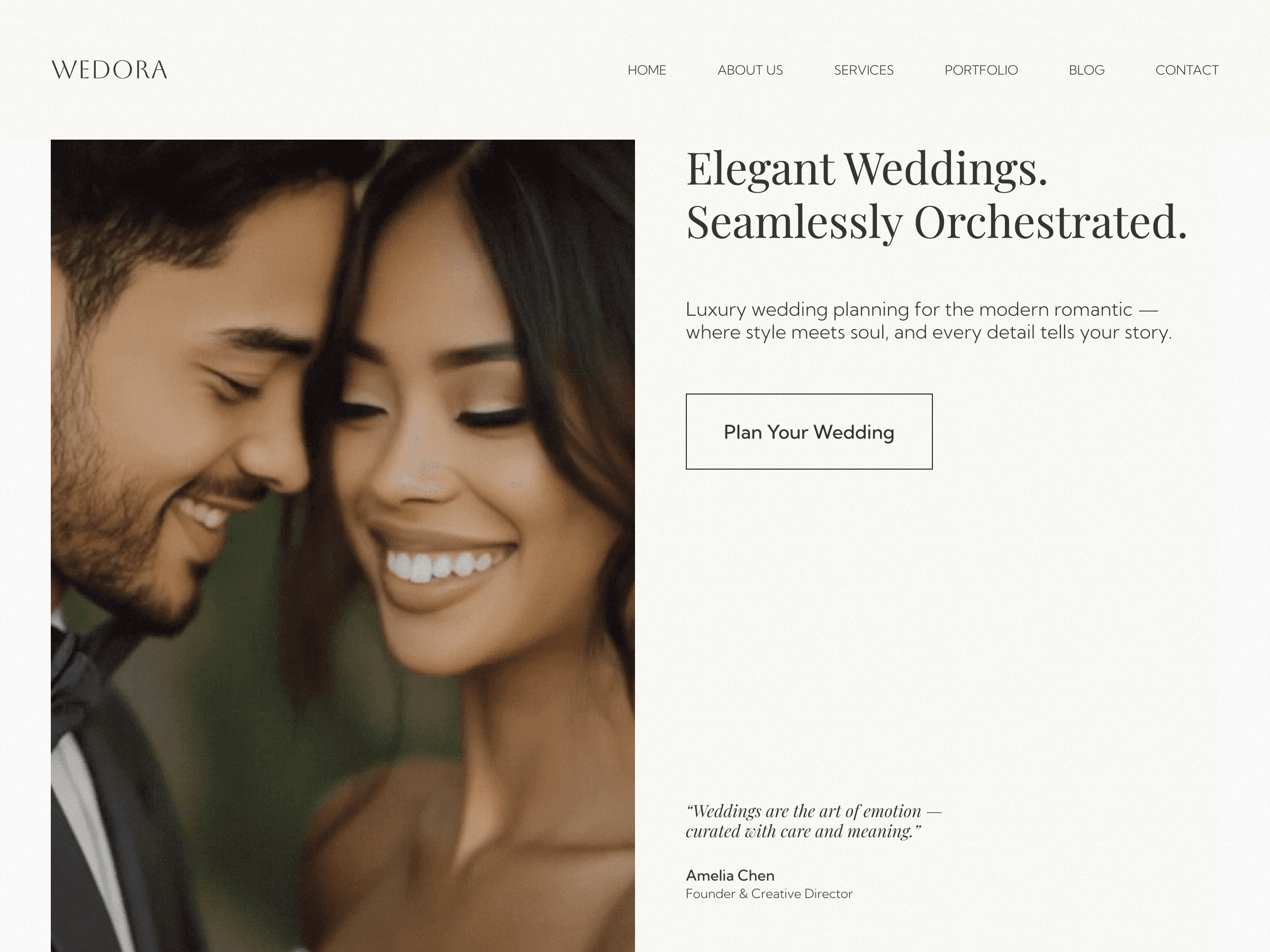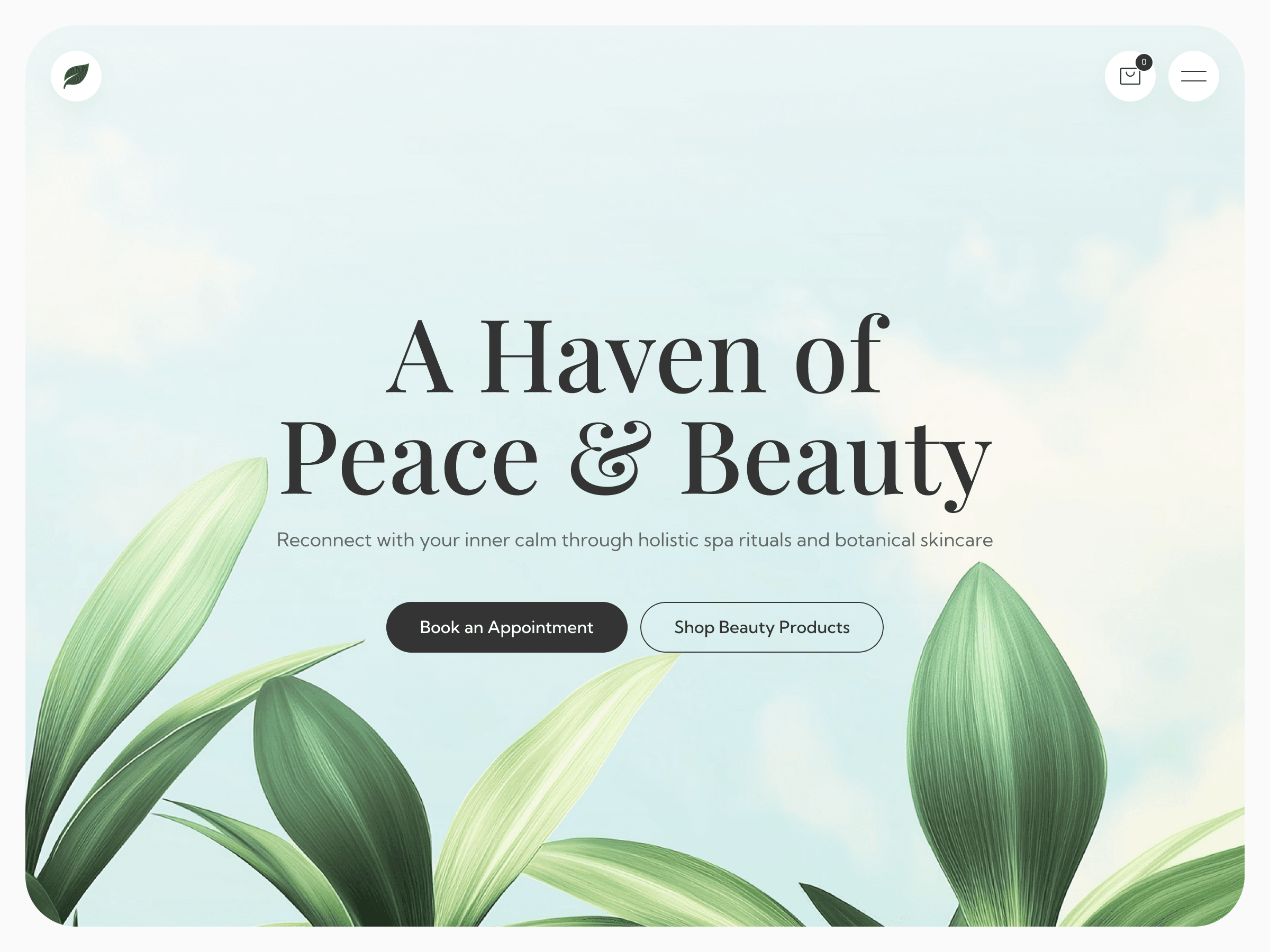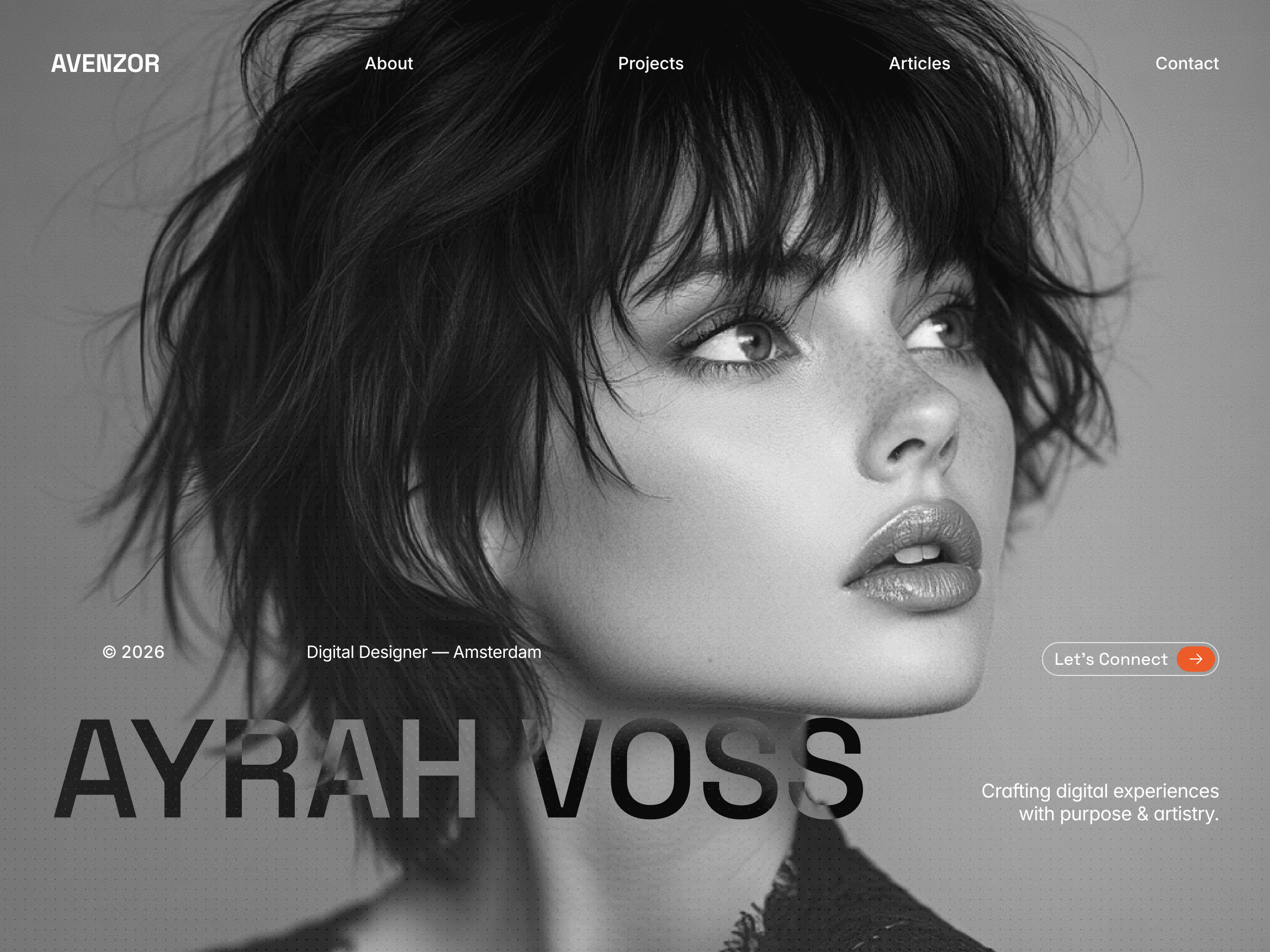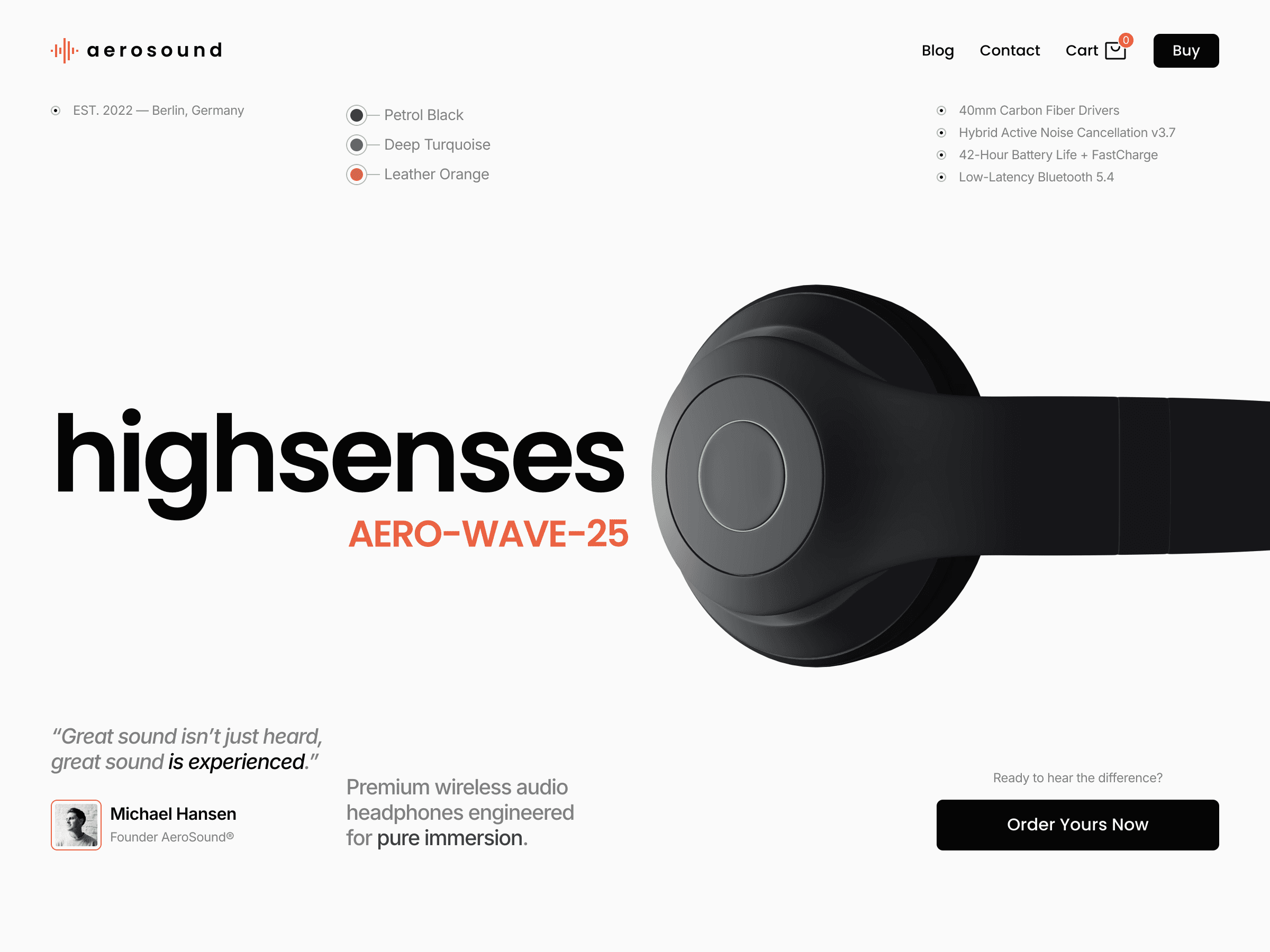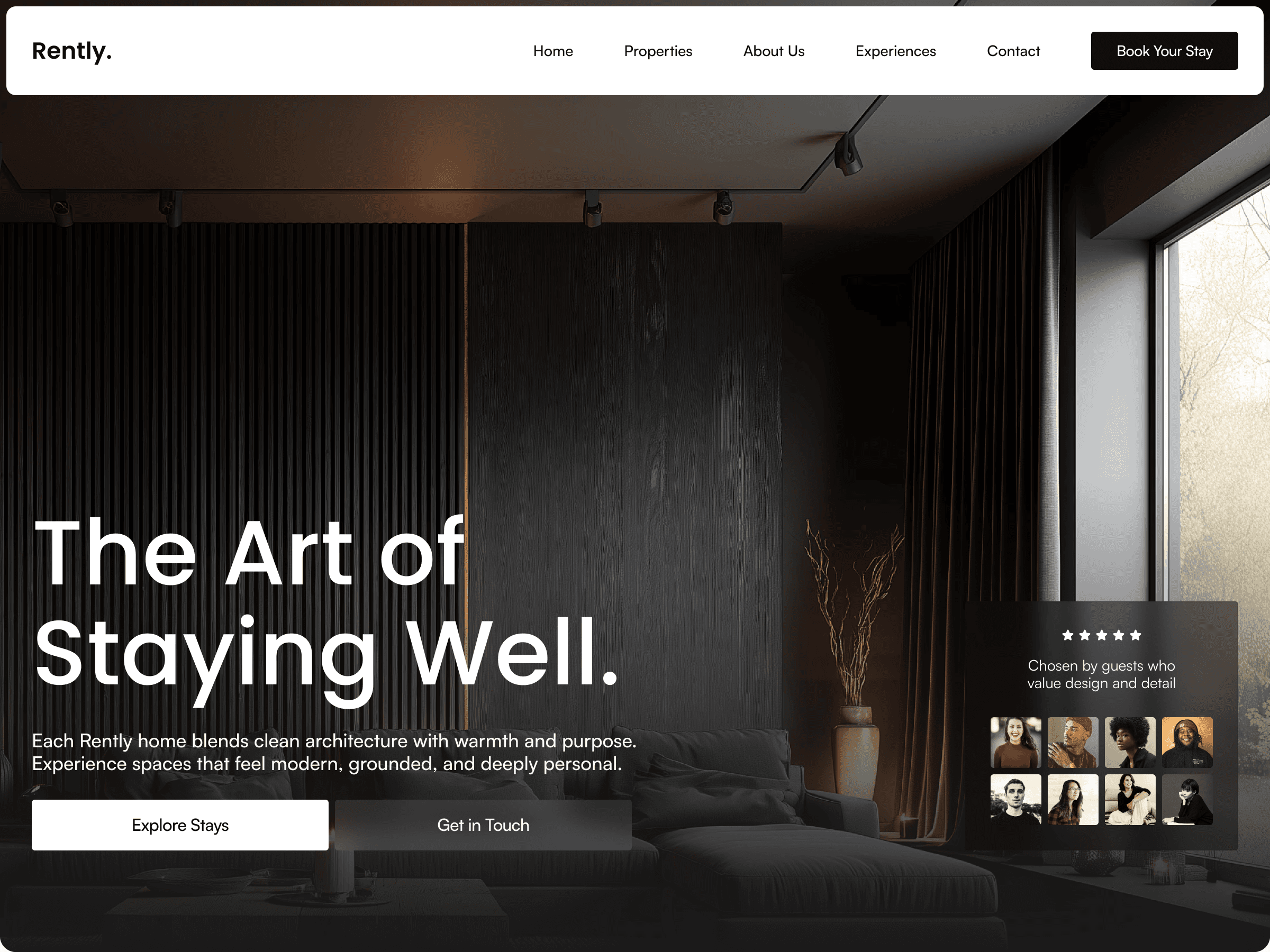


About this Template
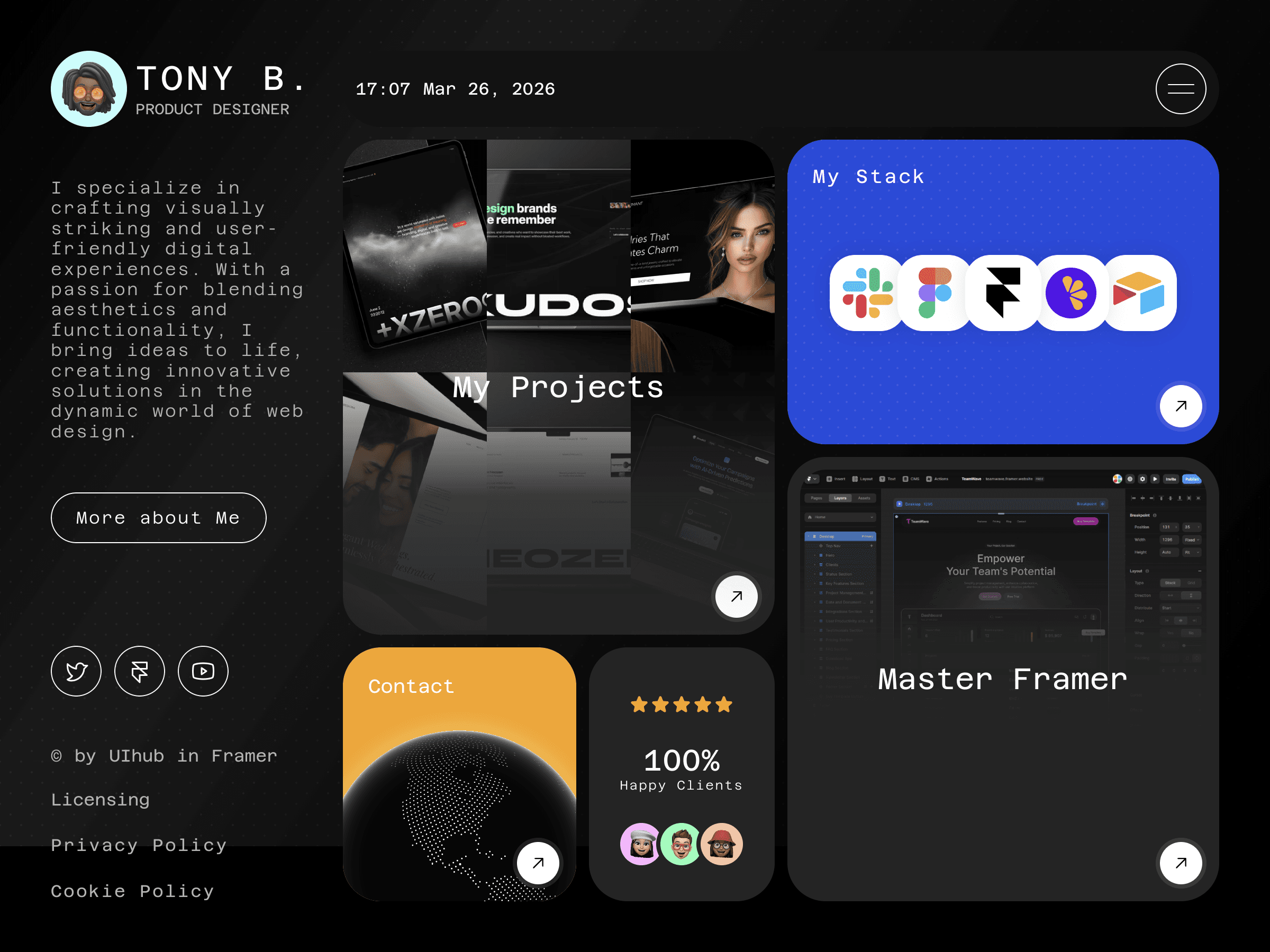
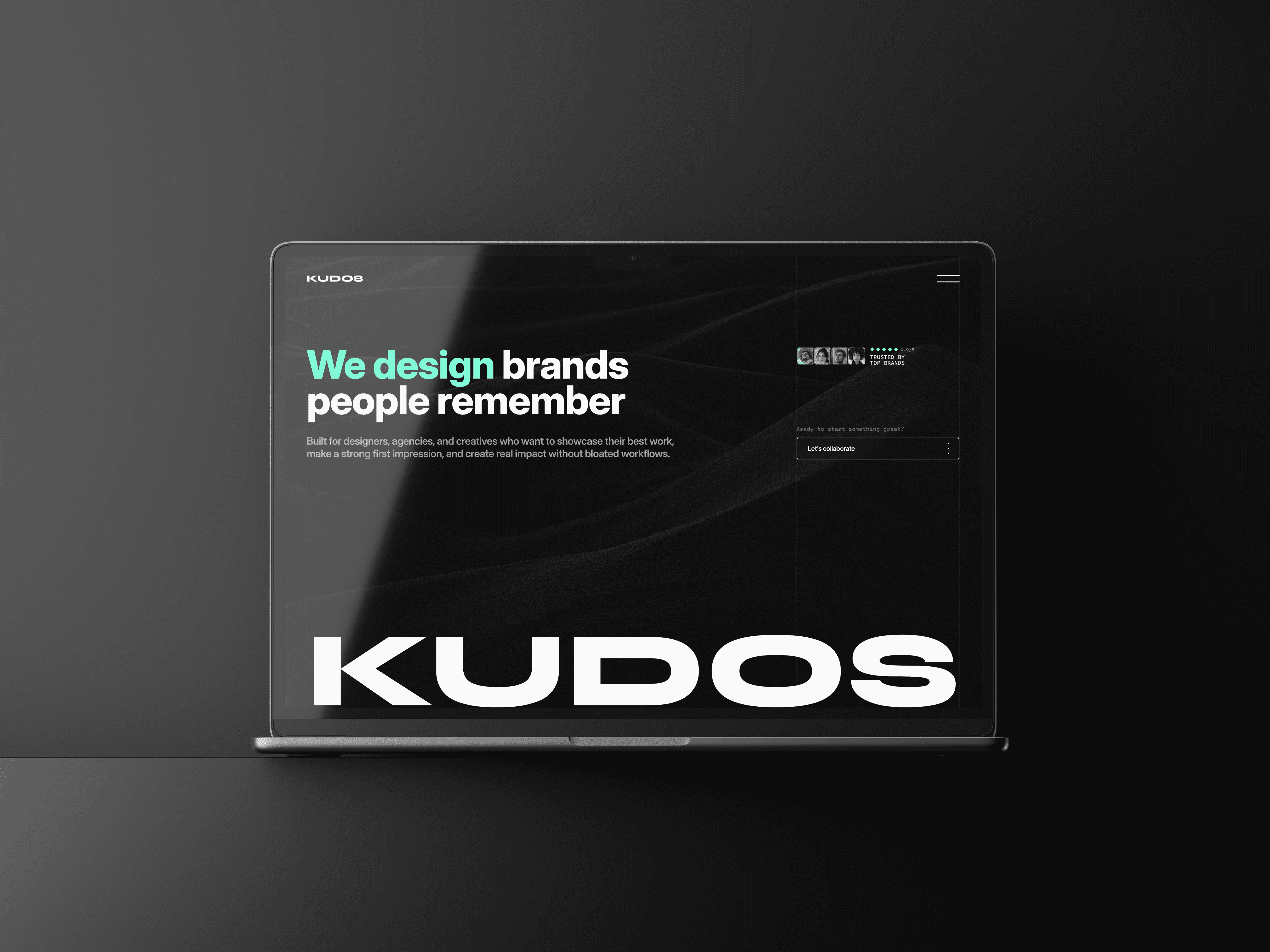
Kudos is a premium Framer portfolio template designed for creative studios, agencies, and independent designers who want to present their work with clarity, structure, and confidence. Built with a refined typographic system, modular layouts, and powerful CMS collections, Kudos helps you showcase projects, publish insights, and present your studio in a thoughtful and professional way.
Who this template is for?
Kudos is ideal for:
Creative studios and design agencies
Freelance brand and web designers
Product and digital design teams
Creative professionals building a portfolio-driven website
If your work relies on strong case studies, thoughtful storytelling, and a clear brand presence, Kudos provides the structure to present it effectively.
Why Kudos?
Kudos was designed to help studios present their work without clutter or unnecessary complexity.
The template focuses on:
Clear hierarchy and bold typography to highlight your work
Structured layouts that make projects easy to explore
CMS-powered content for projects, articles, and job listings
Flexible modular sections that can be reused across pages
A professional studio-style architecture built for credibility
Everything is designed to help your work stand out while keeping the editing experience simple inside Framer.
What’s included:
Detailed documentation
Kudos comes with a complete set of pages and CMS collections to launch a professional studio website.
Structured Data
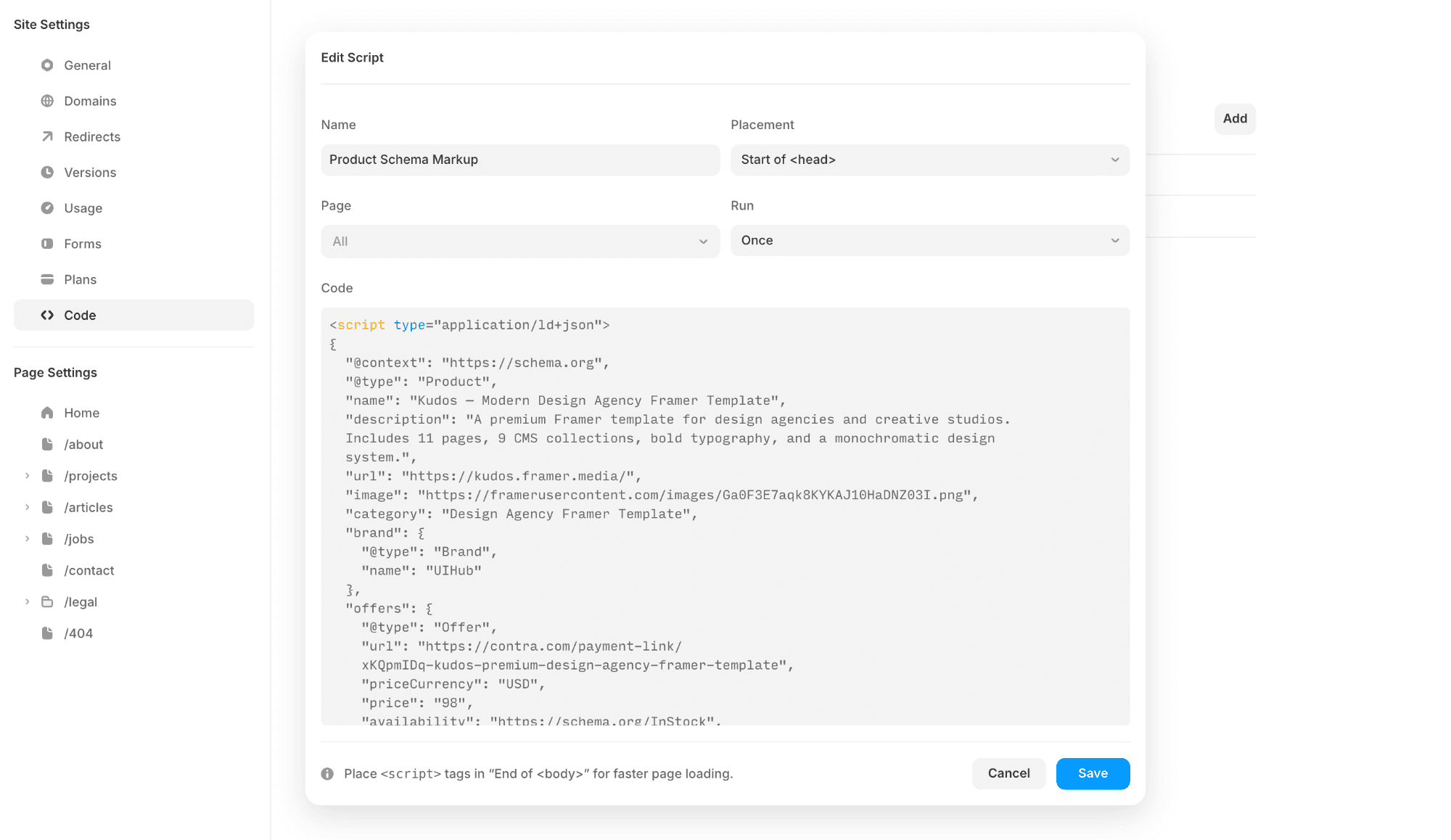
This template includes a placeholder structured data script in Site Settings → Code. Replace it with your own before launching — tailored to your business type and content.
Helpful resources:
Schema.org — full reference for all schema types
Google's Rich Results Test — validate your script
Google Structured Data Docs — official guide
Pages:
Home — A structured landing page presenting your studio, services, and featured work.
About — Introduce your team, philosophy, and the story behind your studio.
Projects — A page showcasing your selected work.
Project Page (CMS) — Dynamic project pages automatically generated from the Projects collection.
Articles / Insights — A page for publishing articles, insights, or studio updates.
Article Page (CMS) — Dynamic article pages connected to the Articles CMS collection.
Jobs / Careers — Present open roles and career opportunities within your studio.
Job Page (CMS) — Individual job listings generated through the Jobs CMS collection.
Contact — A dedicated page where visitors can reach out or start a project inquiry.
Legal Pages (CMS) — Easily manage privacy policies, terms, and other legal pages.
404 Page — A custom-designed error page for broken or missing links.
Features:
CMS-driven content for projects, articles, and job listings
Tickers for dynamic visual movement and announcements
Sticky Scrolling for improved navigation and context
Forms to capture inquiries and project requests
Layout Templates ensuring consistent design structure
Workshop Code Components enabling deeper customization
Global Styles for efficient visual adjustments