Structuring CMS Collections in Framer
Most Framer CMS problems are planning problems. Here’s how to structure collections that scale: map your entities before your pages, model relationships with reference fields instead of duplicating data, keep every field atomic, and reuse one shared taxonomy across collections, shown through a real 9-collection template.
7
minutes read

CMS Collections That Scale
Most Framer CMS problems don't start in the CMS. They start earlier, when someone opens a Collection and just starts adding fields for whatever the current page needs. Six months later there's a "Projects" collection with a client2 field nobody remembers adding, a testimonial-quote-old field still in use on one page, and a homepage that breaks every time someone renames something.
None of that is a Framer limitation. It's a planning problem. And it's completely avoidable if you organize your collections before you touch a single page.
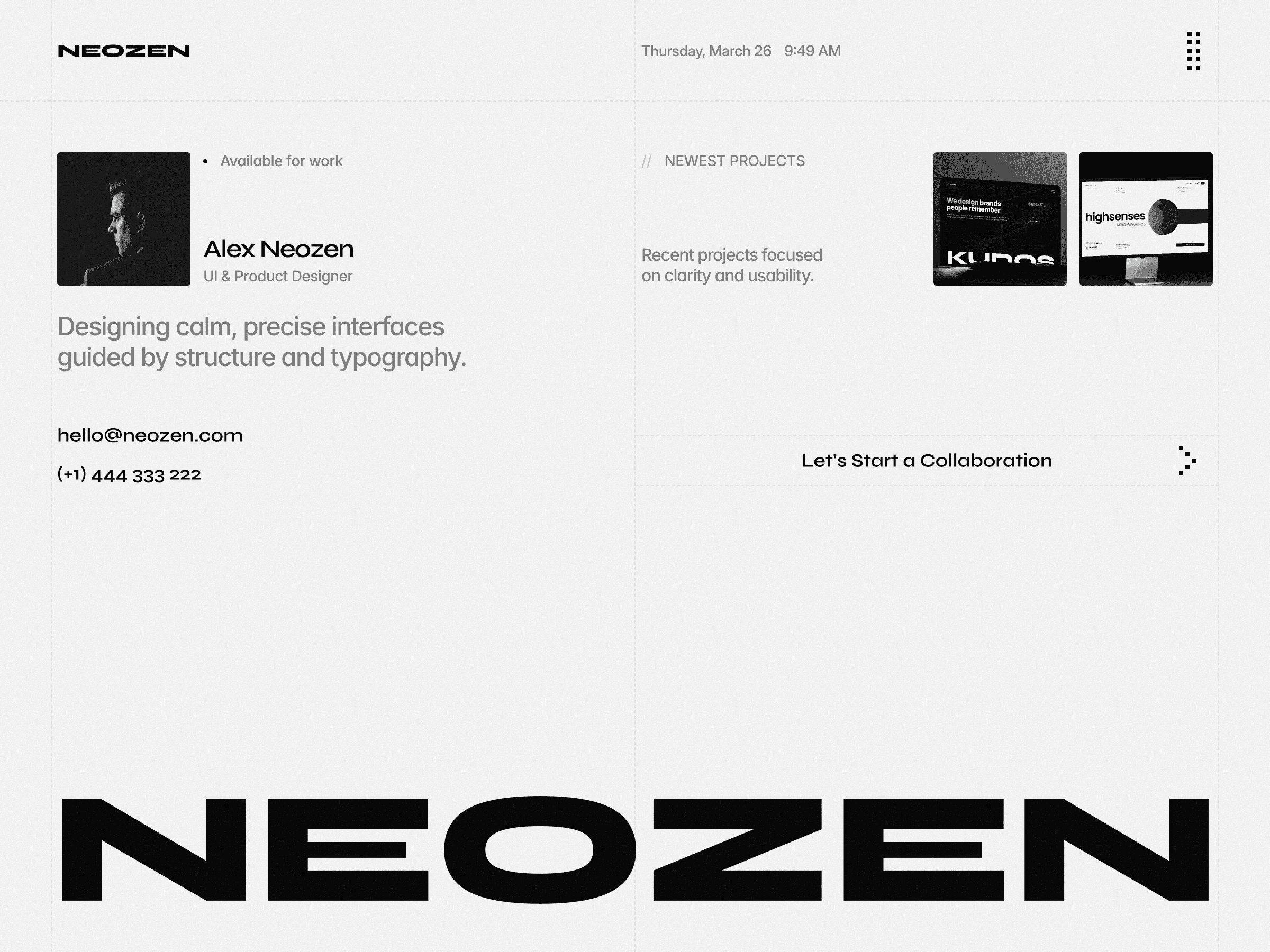
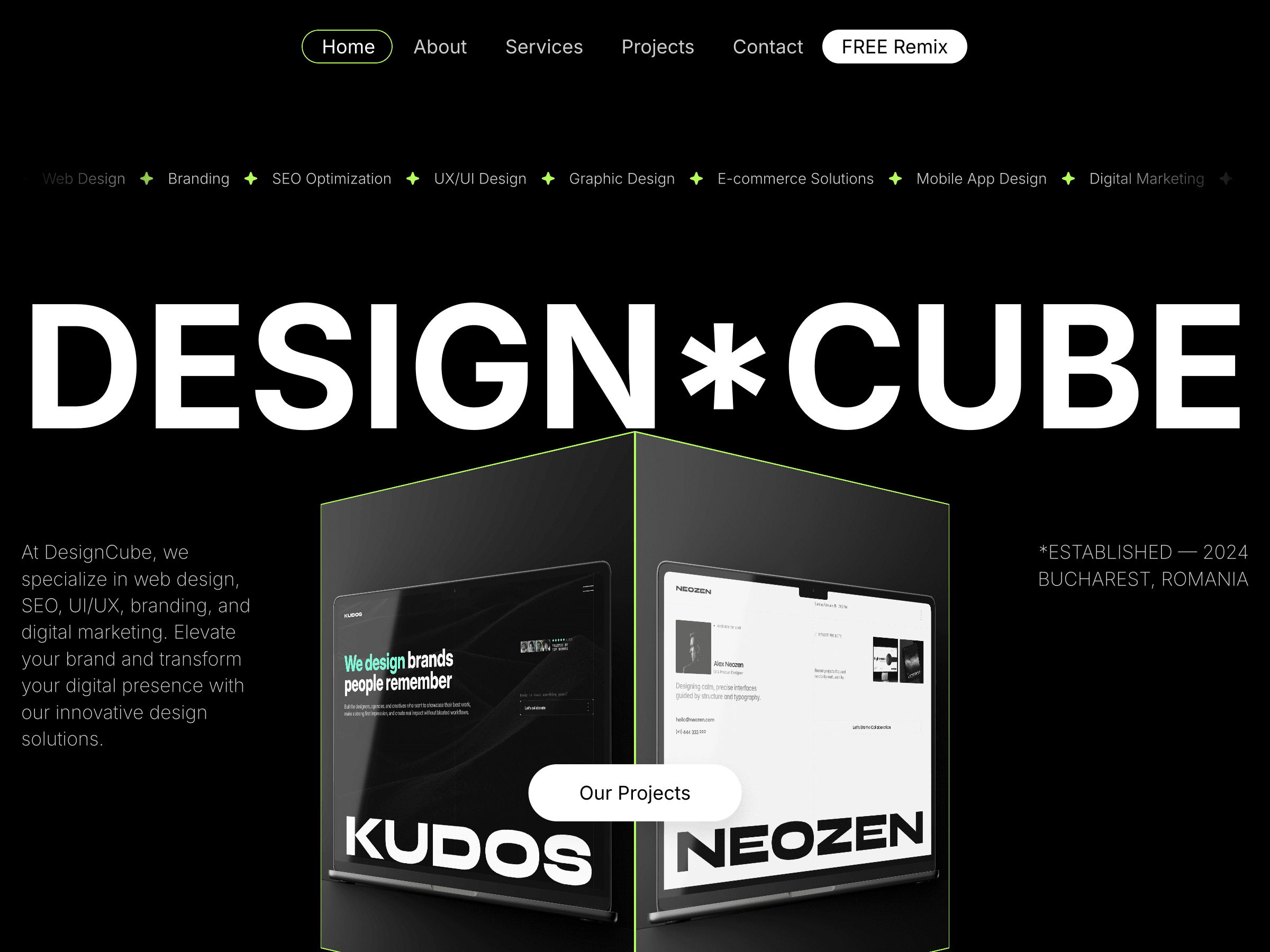
Here's how I actually do it, using Kudos, one of my agency templates, as a real example. It runs on 9 CMS collections and they all talk to each other cleanly, which is the whole point.
Start with the content, not the pages
The instinct is to open Framer, look at the page you're designing, and add a collection field for whatever's on that page. That's backwards. A page is just one view of your data. If you design collections around pages, you end up duplicating the same information across multiple collections because different pages need slightly different slices of it.
Instead, ask: what are the actual things in this project? Not "what does the homepage need," but "what entities exist in this business."
For Kudos, an agency site, the entities are obvious once you separate them from the pages. Here's the actual structure, pulled straight from the live project:
Projects - the case studies
Clients - the companies Kudos works with (this one does double duty, more on that below)
Team Members - the people
Services Categories - the core service offerings
Services Tags - smaller sub-labels attached to each service
Jobs - open roles for the careers page
Job Type - Full-time / Freelance / Intern, as its own tiny collection
Articles - blog/insights content
Legal - Privacy Policy, Terms, Cookie Policy, all as CMS entries instead of hardcoded pages
Nine collections, nine distinct types of content. Every page is a combination or filtered view of these. Nothing is retyped anywhere. Notice what's not here: no separate "Testimonials" collection, no "FAQ" collection. That's not an oversight, it's a deliberate call, and it's a good example of the next principle.
Model relationships, don't duplicate data
This is where most CMS structures fall apart. If "client name" lives as a plain text field inside both the Projects collection and the Testimonials collection, you now have two places to update every time a client rebrands or a typo needs fixing.
The fix is Framer's Reference field. Instead of typing the client name into a Project entry, you reference the actual Client item from the Clients collection. In Kudos, the Projects collection has a Client field that's a reference into Clients, not free text. Update the client's name or logo once, and every Project entry pointing to it updates automatically.
Same pattern on Articles: instead of an Author Name text field, there's an Author reference field pointing into Team Members. Change someone's title or headshot once, and every article byline reflects it.
Here's the more interesting call, though: Kudos does not have a separate Testimonials collection. The testimonial quote and the client's impact stats (Brand Awareness, Audience Engagement, Lead Quality / Demand, Market Impact) live as fields directly inside the Clients collection, alongside the logo and representative's name and photo. Since this template only shows one testimonial per client, splitting that into a separate referenced collection would just be extra clicks for zero benefit, there's a 1-to-1 relationship, so it collapsed into one entity instead of two.
That's the actual rule, and it cuts both ways:
If a piece of data has a many-to-one or many-to-many relationship with something else (many Projects can share one Client, one Article can have many Categories), split it into its own collection and reference it.
If it's strictly one-to-one (one Client has exactly one testimonial), merging it into the parent collection as extra fields is simpler and still avoids duplication. You only need reference fields when the same data needs to be reused across multiple items.
Keep fields atomic
A common mistake is stuffing multiple pieces of information into a single rich text field because it's faster to fill in. A Project entry with one giant "Details" rich text field holding the client name, the year, the outcome stats, and the description all mashed together looks fine until you want to design with that data separately, put the year in a small label, the stats in a grid, the description in a paragraph.
Break it apart at the field level from day one. Kudos' Projects collection is a good, slightly extreme example of this: instead of one giant "case study" rich text block, the case study narrative is split into named sections, each its own formattedText field, Intro, Important, Approach, Vision and Innovation, Identifying Unique Challenges, Resolving Complex Problems, User-Centric Design, Meeting User Needs, Detailed Pages and Features, Accessibility and Optimization, Conclusions, alongside plain fields like Client (reference), Year, Duration, Thumbnail, and three separate gallery images.
That's a dozen-plus fields on one collection, which sounds excessive until you see why: the case-study page template can drop each section into its own designed layout block, its own heading style, its own spacing, instead of parsing one wall of text and hoping the formatting holds up. More fields, more design control. It's more setup work upfront, but it's the difference between a case study page that looks intentional and one that looks like a dumped Word doc.
Reuse one taxonomy instead of building five
If you know a collection will eventually need filtering, build that structure in from the start with a Category or Tag field that's itself a reference to a small taxonomy collection, never free text. Free-text tags drift: someone types "Web Design," someone else types "web-design," and now your filter is broken.
Kudos takes this a step further, and it's the single smartest thing about its structure. There's one Services Categories collection (Brand Identity, Website Design, Digital Products, and so on), and it gets reused as the shared taxonomy across three completely different collections:
Projects reference it via a
Categoriesfield, so a case study can be tagged with the services it involvedArticles reference the exact same collection via their own
Categoriesfield, so blog posts can be filtered by topicTeam Members reference it again via a
Skillsfield, so each person's expertise maps to the same list
One taxonomy, three collections pulling from it, instead of "Project Categories," "Article Categories," and "Team Skills" existing as three separate, slowly-drifting lists. Add a new service once, in one place, and it's immediately available as a filter option everywhere.
Services themselves get a second, smaller tier too: each Services Category references multiple Services Tags (its own tiny collection), so a category can carry a handful of sub-labels without needing a full collection's worth of fields for each one. Same pattern applies to Jobs, which reference a Job Type collection (Full-time / Freelance / Intern) instead of typing the employment type as text on every listing.
A quick structure checklist
Before building any collection, run through this:
Is this really a separate entity, or is it a property of something else? (Kudos' testimonial data lives on Clients, not its own collection, because the relationship is 1-to-1.)
Will this data be reused across more than one collection? → make it a reference, and reuse the same referenced collection wherever possible instead of building near-duplicates.
Is every field atomic, one piece of information per field, or is something bundled together that you'll want to style independently later?
Does this need filtering/sorting? → controlled category field pointing at a shared taxonomy collection, not free text.
Would a non-designer editing this in six months understand what each field is for without asking you?
That last one matters more than people think. A CMS structure isn't just for launch day, it's for whoever updates the content after you're gone.
The takeaway
Good CMS structure is invisible. Nobody notices a well-organized Framer project, they only notice a broken one: duplicated content, mismatched testimonials, a Projects collection nobody can safely edit. Spend the twenty minutes upfront mapping your entities and their relationships, and the CMS becomes something your client can actually maintain, not something that quietly rots after handoff.
If you want to see this structure in action, Kudos is built exactly this way: 9 collections, cross-referenced where it earns its keep, merged where it doesn't, ready to remix.

Cristian Mielu
Founder UIHub.design
Share this page on:
Complete Templates collection
$1,286
$290
Best value
All Cristian Mielu's
12
premium templates.
Every new one included, forever.
Payments powered by
Other useful articles


Better Framer skills are a few reads away →