Is Framer Good for SEO? A Practical Guide to Ranking
“Is Framer good for SEO?” is one of the most common questions from people deciding whether to build on it. The honest answer: yes, Framer is genuinely SEO-friendly out of the box, but ranking still comes down to how you set things up. Here’s what Framer handles for you, where it needs help, and exactly what to do about it.
9
minutes read

Is Framer Good for SEO? The Honest Answer
It's the question asked by everyone deciding where to build: is Framer actually good for SEO, or is it a pretty tool that quietly sabotages your rankings? Having launched dozens of Framer templates, I can give you a straight answer, and then the nuance that actually matters.
Yes. Framer is genuinely SEO-friendly. But "SEO-friendly platform" and "ranking website" are two different things. The platform gives you a fast, clean foundation. Whether you rank on top of it is still up to you.
Here's what Framer does for you automatically, where it genuinely needs help, and a practical checklist you can work through today.
The Short Answer
Framer produces fast, semantic, mobile-first pages with clean HTML, automatic image optimization, and a global CDN. Google indexes Framer sites without any special tricks. The platform will not hold you back. What decides your rankings is the usual work: solid content, sensible structure, and correctly filled-in metadata, none of which any website builder does for you.
What Framer Handles Well Out of the Box
This is where Framer earns its reputation. A lot of technical SEO that used to require plugins or a developer is simply built in:
Speed and Core Web Vitals. Pages are served from a global CDN with automatic caching, lazy loading, and modern image formats, so most sites pass Core Web Vitals with little effort.
Responsive by design. Google indexes mobile-first, and Framer's breakpoint system makes proper mobile layouts the default rather than an afterthought.
Clean, semantic markup. You can assign proper heading tags (H1–H6) and semantic elements, so crawlers understand your page hierarchy.
Automatic sitemap and robots.txt. Framer generates and updates these for you, so new pages get discovered without manual work.
Per-page metadata and Open Graph. Titles, descriptions, canonical URLs, and social share images are all editable per page, including for CMS collections.
HTTPS and clean URLs. Every site gets SSL automatically, and you control readable URL slugs on every page and CMS item.
Where Framer Needs Your Help
No platform is magic, and Framer has a few areas where you have to be deliberate. I've watched every one of these cost a site traffic, including my own before I knew better:
Metadata is empty until you fill it. Framer supports titles and descriptions, but it won't write them. Blank or duplicate metadata is the single most common reason Framer sites underperform. I once had a set of template pages all sharing a near-identical brand-first title, and Google struggled to tell them apart until I rewrote each to lead with its actual keyword.
The staging domain can get indexed as a duplicate. This is the Framer-specific trap almost no generic guide mentions. Every project ships with a free
.framer.websitestaging subdomain, and if it stays publicly crawlable, Google can index it as a duplicate of your custom domain, splitting your ranking signals between two copies of the same site. When you connect a custom domain, make sure the staging subdomain redirects to it rather than sitting there as a live mirror.Structured data isn't automatic. For rich results (articles, FAQs, products, breadcrumbs) you'll add schema markup yourself via a custom code embed. This very article uses Article and FAQ schema, added manually, for exactly that reason.
Heading discipline is on you. It's easy to style text large without making it an H1, or to end up with several H1s. Set tags intentionally, not just visually.
Image alt text needs filling. Compression is automatic, but descriptive alt text is manual, and it matters for accessibility and image search.
Redirects after changing URLs. Moving from another platform, or just renaming a page or slug? Set up 301 redirects from the old URLs so you keep the ranking equity you've already earned. Skip this and every link Google has indexed points at a dead 404, and the equity evaporates. It's the costliest mistake on this list.
A Practical Checklist to Rank Your Framer Site
This is the sequence I run on every project. Work through it top to bottom before you publish, and revisit it whenever you add pages.
Write a unique title and description for every page. Keep titles under ~60 characters and descriptions under ~155, and put the main keyword near the front.
Use one H1 per page. Make it describe the page's core topic, then structure the rest with H2s and H3s in a logical order.
Add alt text to every meaningful image. Describe what's shown; skip "image of" filler and leave purely decorative graphics empty.
Handle your staging domain. Make sure your
.framer.websitesubdomain redirects to your custom domain so it isn't indexed as a duplicate.Set a social share image. An Open Graph image won't change rankings, but it lifts click-through when your links get shared.
Add structured data where it fits. Article, FAQ, and Breadcrumb schema via a code embed can earn richer, more clickable search results.
Build internal links. Link related pages and blog posts to each other so crawlers, and readers, can find everything.
Connect Google Search Console. Submit your sitemap, watch which queries you show up for, and fix anything Google flags.
The CMS Advantage for Content SEO
Ranking long-term is mostly a content game, and this is where Framer's CMS pays off. A blog or resource library built on collections gives you dozens of indexable, keyword-targeted pages that all share one template. Each item gets its own editable title, description, slug, and Open Graph image, so you can scale content without hand-building pages, exactly the kind of publishing engine search engines reward.
This is also where internal linking compounds. If you've written related guides, say, a how to launch a Framer site in a weekend or a breakdown of what Framer 3.0 changed for creators, linking them together tells Google they belong to the same topical cluster, and keeps readers moving through your site instead of bouncing.
Common Mistakes That Tank Framer SEO
The points above cover the big ones. A few more worth calling out specifically, because they're the silent killers:
Publishing image-heavy pages with almost no crawlable text. A beautiful hero with three words on it gives Google nothing to rank.
Leaving the staging subdomain live and crawlable alongside your custom domain, so the two compete.
Forgetting to remove "noindex" or a search-engine block before launch. This is the most damaging mistake of all, because a site accidentally left on noindex ranks for absolutely nothing, no matter how good everything else is. Check it first on any new launch.
Final Thoughts
So, is Framer good for SEO? Yes, comfortably. It gives you a fast, technically sound foundation that most builders make you fight for, and its CMS makes scaling content genuinely easy. What it can't do is write your metadata, structure your headings, or create content worth ranking, and no platform can.
Treat Framer as a strong starting line, not a finish line. Nail the fundamentals in the checklist above, publish content people actually want, and you'll rank just as well as you would on any other modern platform, with a lot less technical friction along the way.
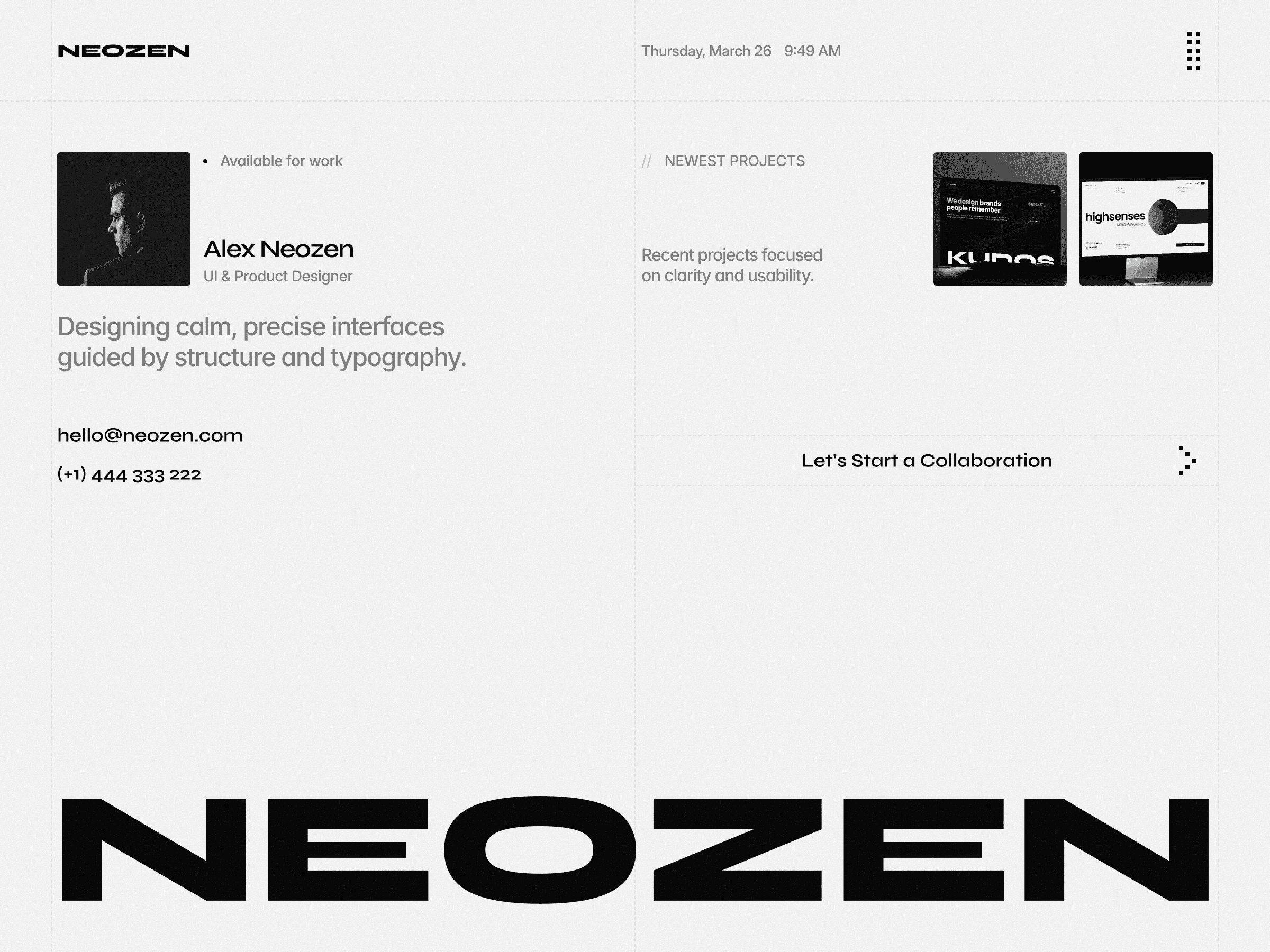
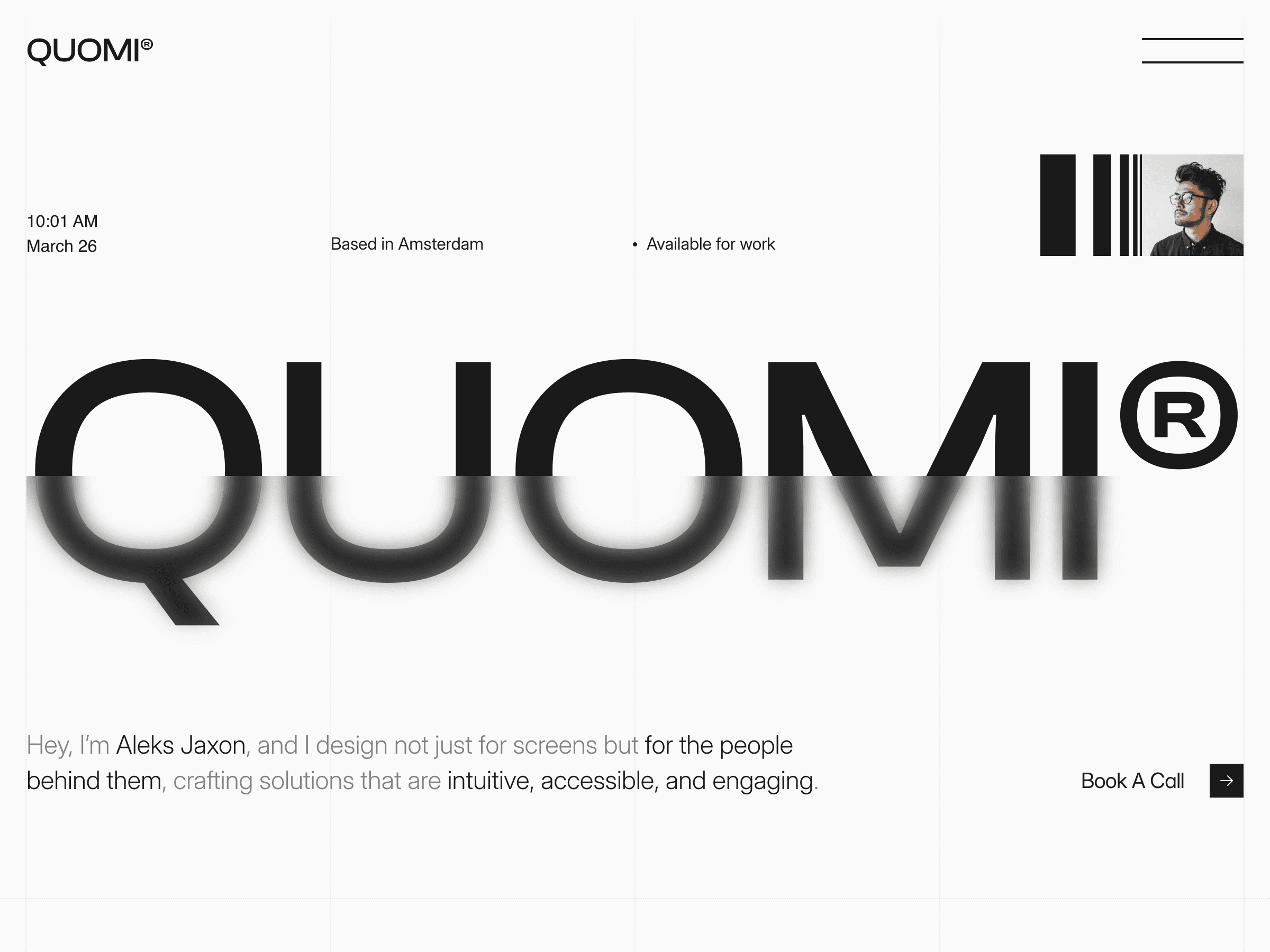
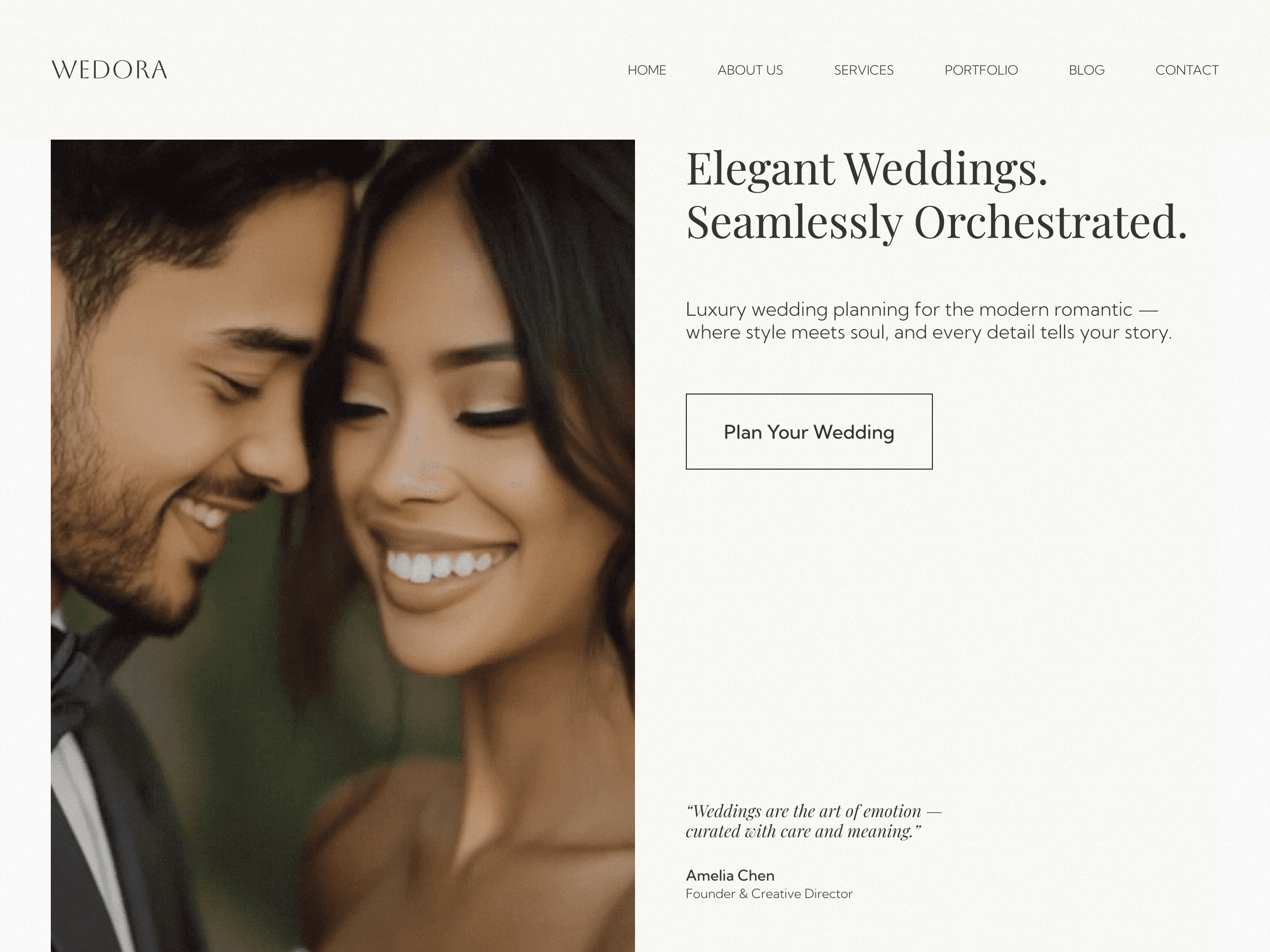
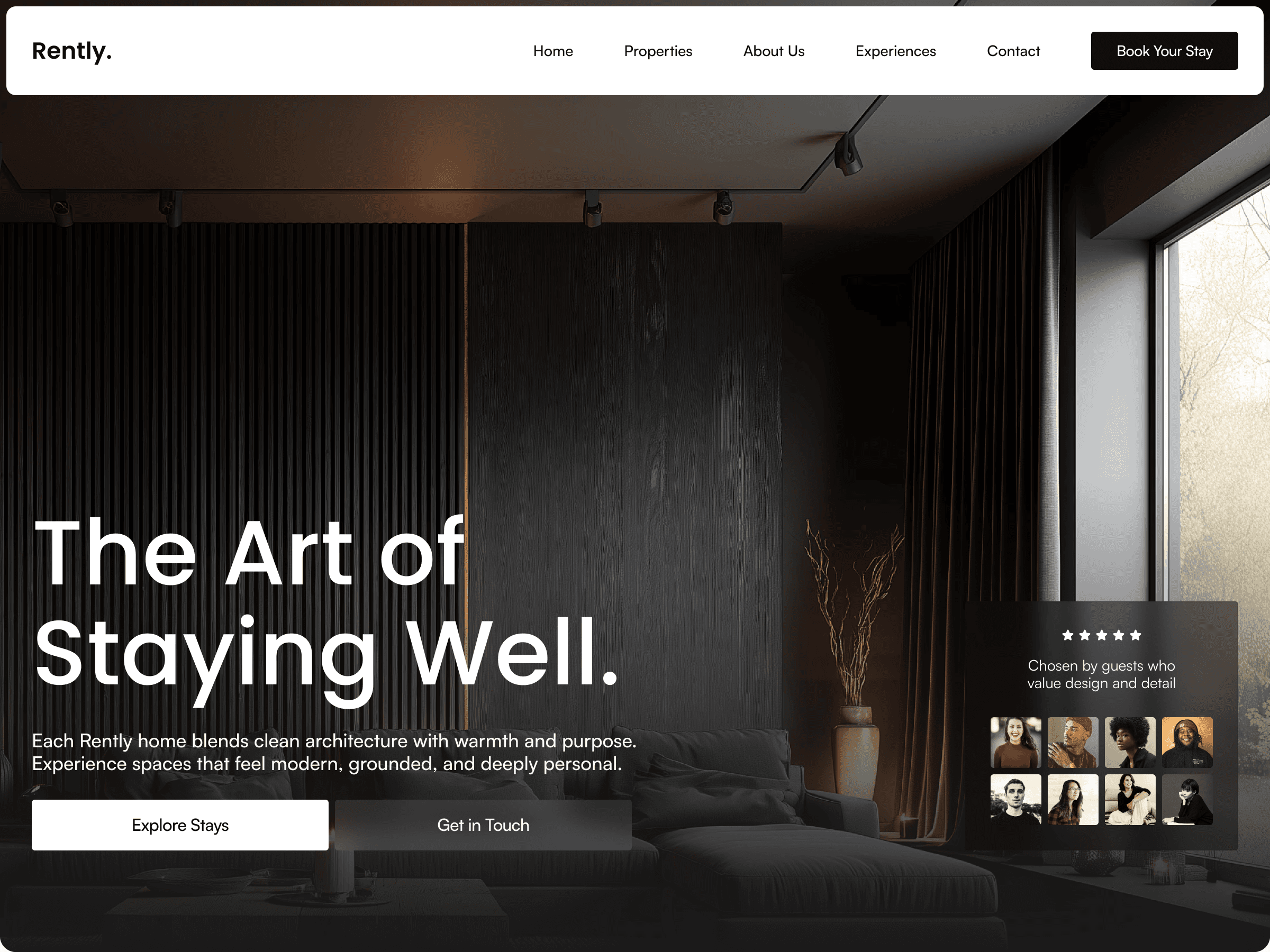
If you're starting from a template, you're already ahead on structure, a well-built one gives you clean headings and metadata fields out of the box. You can browse the full collection here.

Cristian Mielu
Founder UIHub.design
Share this page on:
Complete Templates collection
$1,166
$290
Best value
All Cristian Mielu's
11
premium templates.
Every new one included, forever.
Payments powered by
Other useful articles



Better Framer skills are a few reads away →